Learning hub · 8 lessons

TI-84 Models, Software and Exam Guides

Which TI-84 do you have, what can it run, how do you move files on and off it, and can you use it on test day? These questions sit around the math, but getting them wrong costs time — or a calculator at the exam door.

Every page in this hub is built from Texas Instruments’ product and support pages or from the College Board’s and ACT’s own policy pages, with the date we checked them. Policies change, so each page tells you where to confirm.
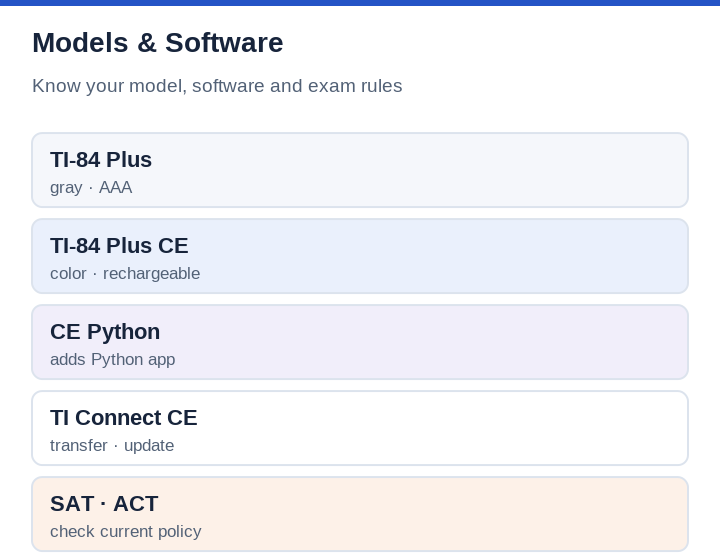
Five topic cards: TI-84 Plus, TI-84 Plus CE, CE Python, TI Connect CE, and SAT and ACT rules.
Models, software and exam rules covered in this hub.

Suggested learning order

Identify your model and compare the Plus with the CE first. Then cover Python and online options, followed by TI Connect CE and OS updates. The SAT and ACT policy summaries come last; check them again close to test day.

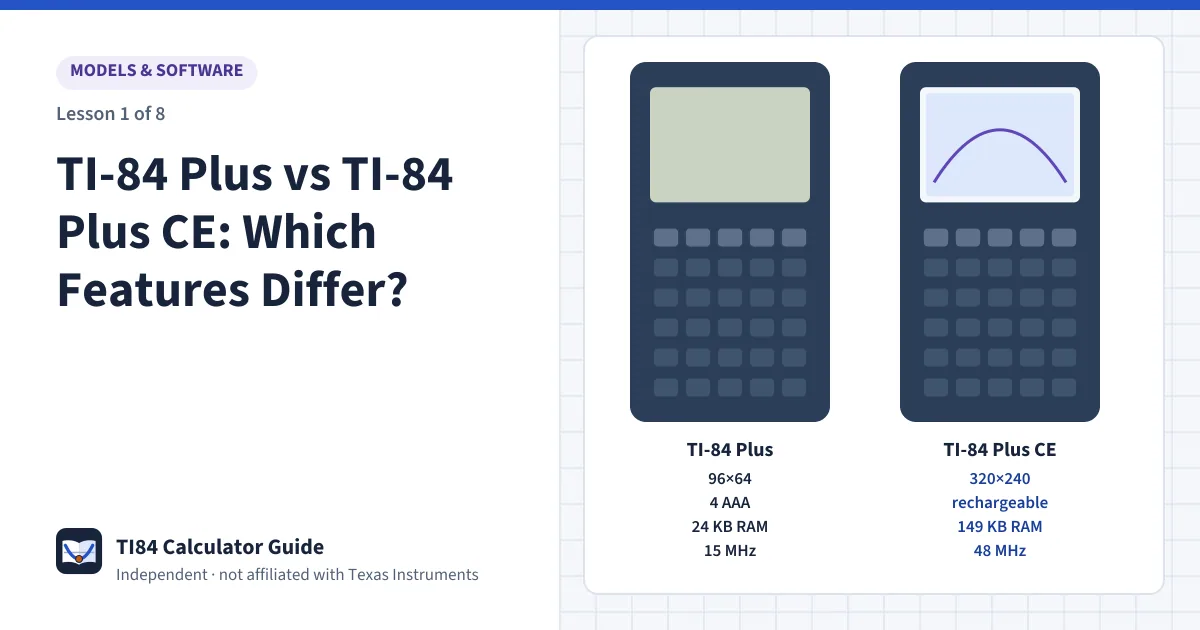
  1. Two simplified calculator outlines, a gray-scale TI-84 Plus and a color TI-84 Plus CE, with labels for display, power, RAM and processor.
    Step 1 · Models & Software

    TI-84 Plus vs TI-84 Plus CE: Which Features Differ?

    Screen, battery, memory and speed differences from Texas Instruments’ own specification pages, plus the menus and math that work the same on both models.
    2 min readTI-84 Plus and TI-84 Plus CE family (TI specification pages)
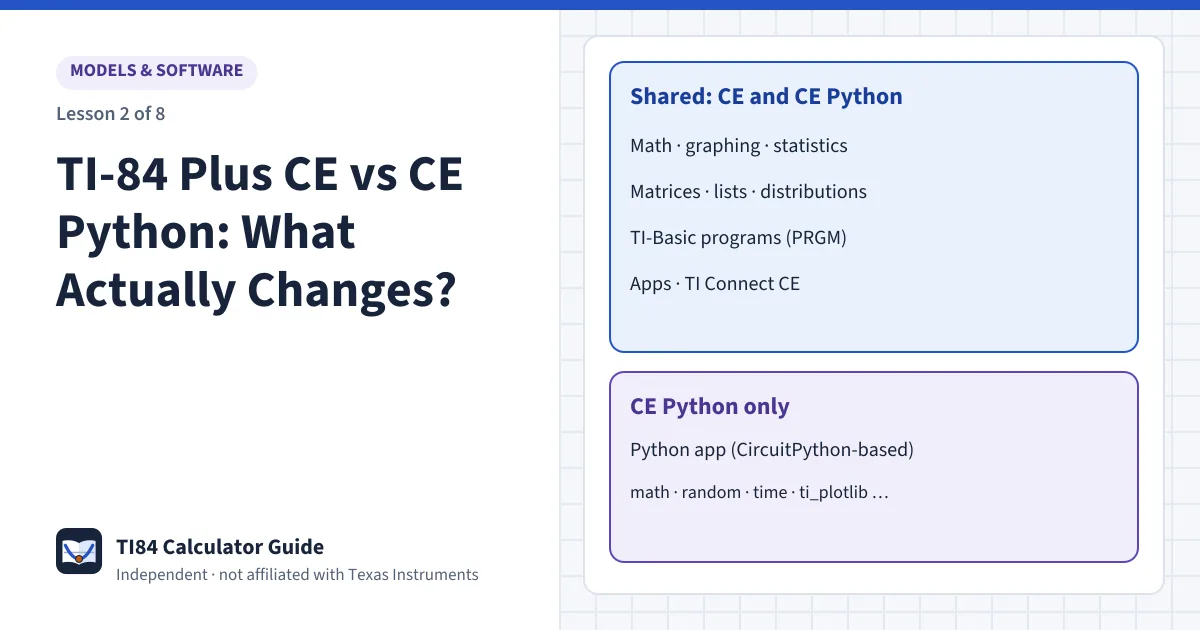
  2. A capability map with a large shared area for math, graphing, statistics and TI-Basic, and a separate Python-only area listing the Python app and its modules.
    Step 2 · Models & Software

    TI-84 Plus CE vs CE Python: What Actually Changes?

    Python programming is the difference: a preinstalled Python app with TI modules. Everything else — math, graphing, statistics and TI-Basic — works as on the CE.
    2 min readTI-84 Plus CE and TI-84 Plus CE Python (TI product pages and Python eGuide)
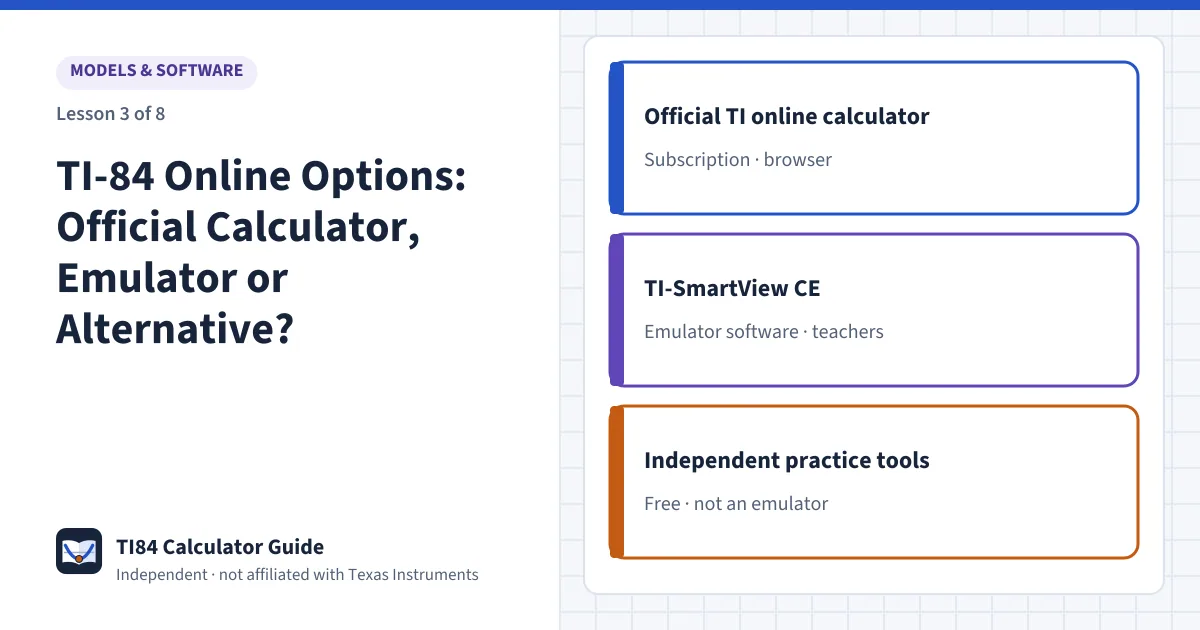
  3. Three labelled route cards: TI’s official online calculator, TI-SmartView CE emulator software for teachers, and independent practice tools that are not emulators.
    Step 3 · Models & Software

    TI-84 Online Options: Official Calculator, Emulator or Alternative?

    Three honest routes: the official TI-84 Plus CE Online Calculator, TI’s TI-SmartView CE emulator software, and independent browser tools for the math itself — with limits.
    3 min readTI-84 Plus CE Online Calculator and TI-SmartView CE (TI product pages)
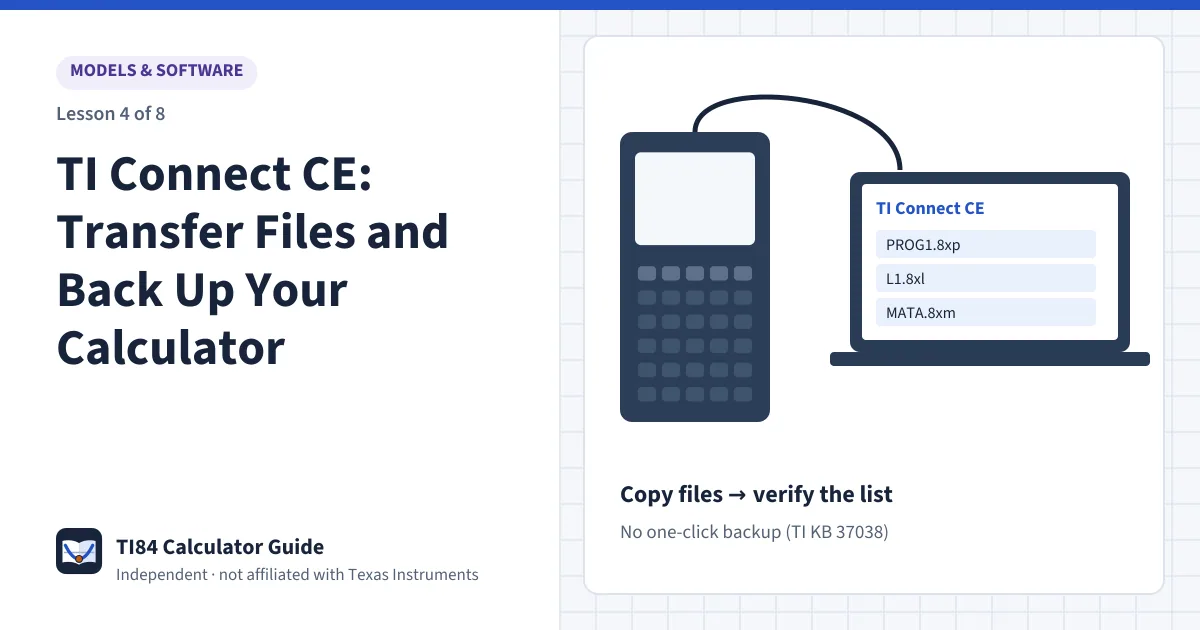
  4. A calculator connected by USB to a laptop running TI Connect CE, with program and list files being copied to a computer folder.
    Step 4 · Models & Software

    TI Connect CE: Transfer Files and Back Up Your Calculator

    Install TI Connect CE from Texas Instruments, connect by USB, copy selected files to your computer and send them back. Includes what a file copy is — and is not.
    3 min readTI Connect CE with TI-84 Plus CE, TI-84 Plus C Silver Edition, TI-84 Plus Silver Edition and TI-84 Plus (TI product page)
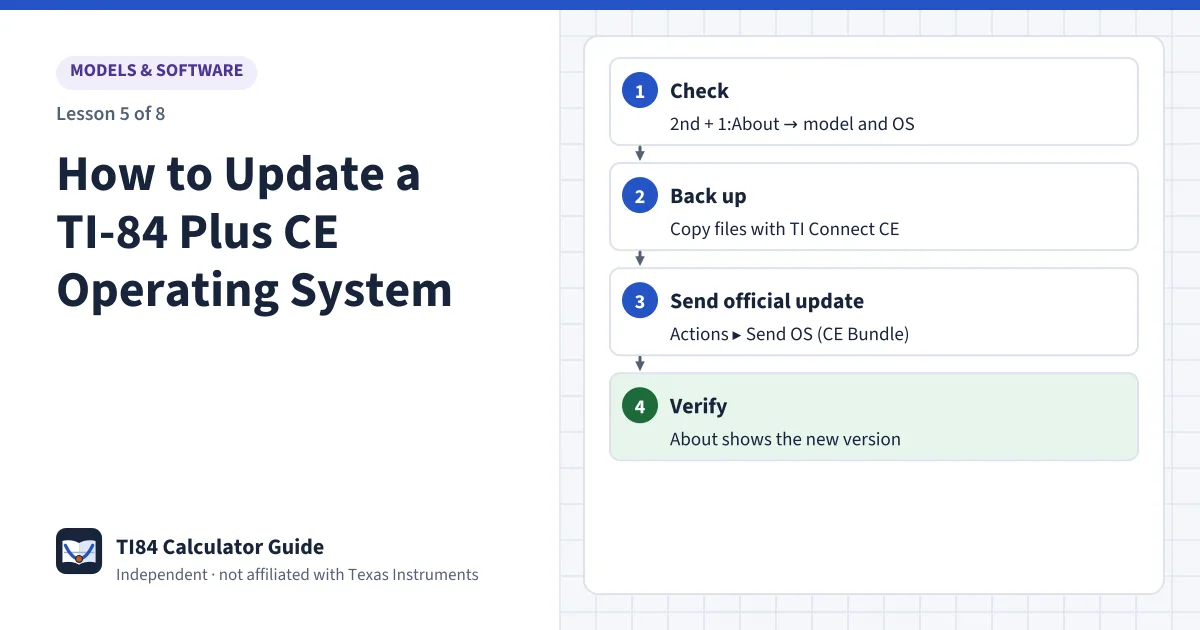
  5. A four-step pathway: check the version in MEM About, back up, send TI’s CE Bundle with TI Connect CE, and verify the new version.
    Step 5 · Models & Software

    How to Update a TI-84 Plus CE Operating System

    Check the OS in MEM About, back up, download TI’s CE Bundle, send it with TI Connect CE and verify the new version — following TI’s knowledge-base steps.
    2 min readTI-84 Plus CE and CE Python with TI Connect CE (TI knowledge base 37042 and 37375)
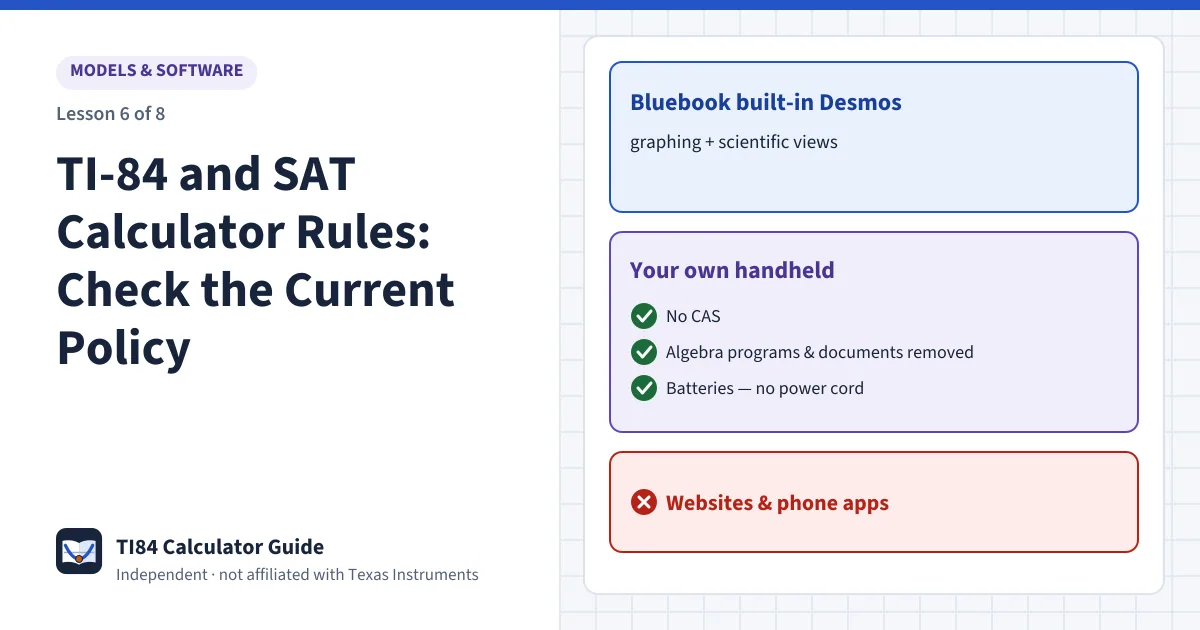
  6. Two SAT calculator options — the Desmos calculator built into Bluebook and your own handheld graphing calculator without CAS — with third-party websites marked not allowed.
    Step 6 · Models & Software

    TI-84 and SAT Calculator Rules: Check the Current Policy

    The College Board no longer keeps a permitted-model list. It bans CAS and certain features, requires stored programs and documents to be removed, and offers Desmos in Bluebook.
    3 min readHandheld TI-84 Plus family
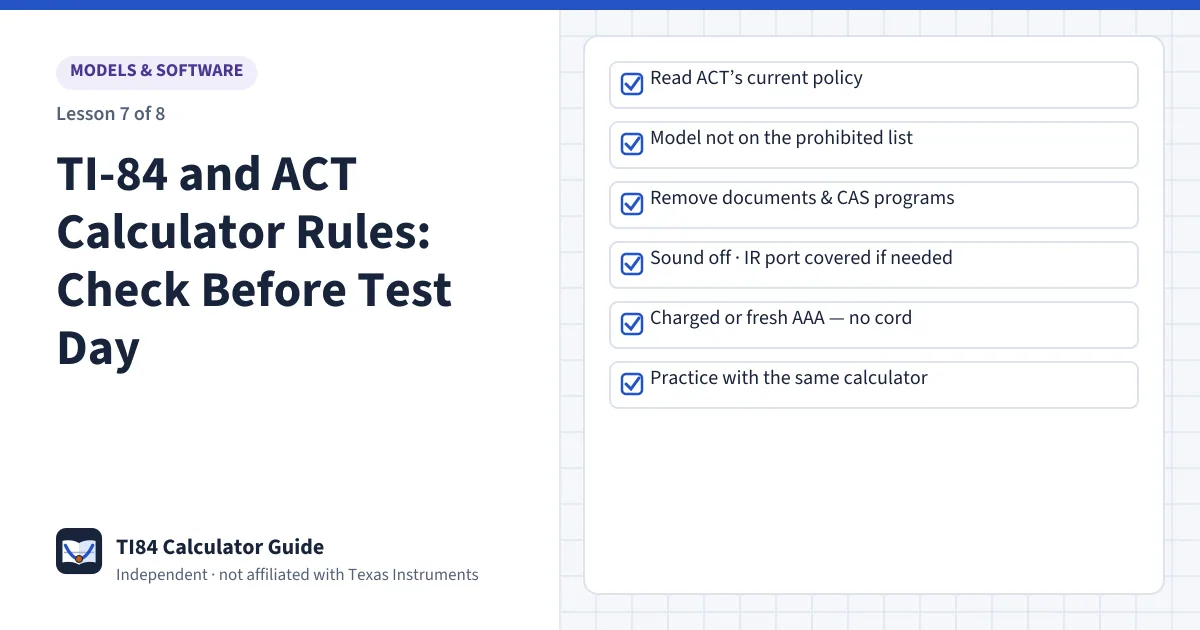
  7. A test-day checklist for an ACT calculator: read the current policy, confirm the model is not prohibited, remove CAS programs and documents, apply required modifications and charge it.
    Step 7 · Models & Software

    TI-84 and ACT Calculator Rules: Check Before Test Day

    ACT permits four-function, scientific and graphing calculators unless prohibited, bans CAS models and requires certain modifications. A checklist for preparing a TI-84.
    2 min readHandheld TI-84 Plus family
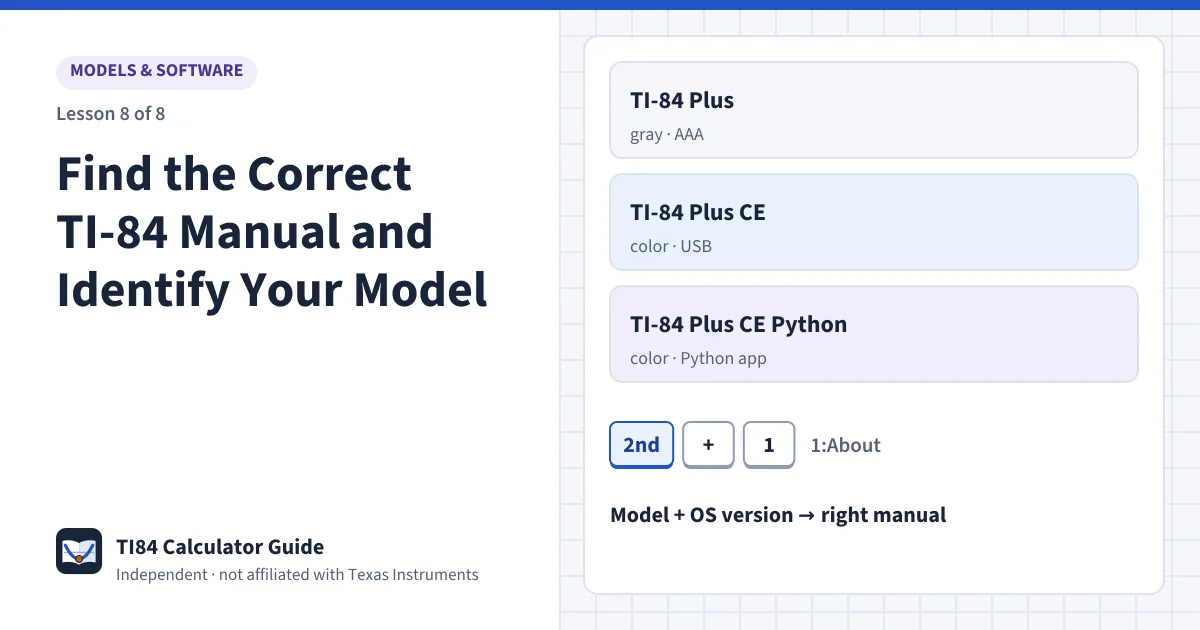
  8. Model identification pathway: read the front label, check the screen and power source, confirm in MEM About, then open the matching official guidebook.
    Step 8 · Models & Software

    Find the Correct TI-84 Manual and Identify Your Model

    Identify your exact model from the faceplate, screen and power source, confirm the OS version in MEM ▸ About, and open the matching official Texas Instruments guidebook.

    2 min readTI-84 Plus family and TI-84 Plus CE family (TI guidebook index and product pages)

What you will be able to do

  • Identify your exact model and OS version
  • Explain what differs between the Plus, CE and CE Python
  • Choose between TI’s online calculator, TI-SmartView CE and independent tools
  • Copy files with TI Connect CE and update a CE safely
  • Prepare a TI-84 for SAT or ACT rules without assuming approval

Model differences to watch

Texas Instruments has also released the TI-84 Evo, with its own documentation. Our lessons are checked against the TI-84 Plus and TI-84 Plus CE family; where the Evo differs, use TI’s Evo guides.

Other learning hubs