
Step 1 · Getting Started
How to Use a TI-84 Calculator: A First-Session Guide
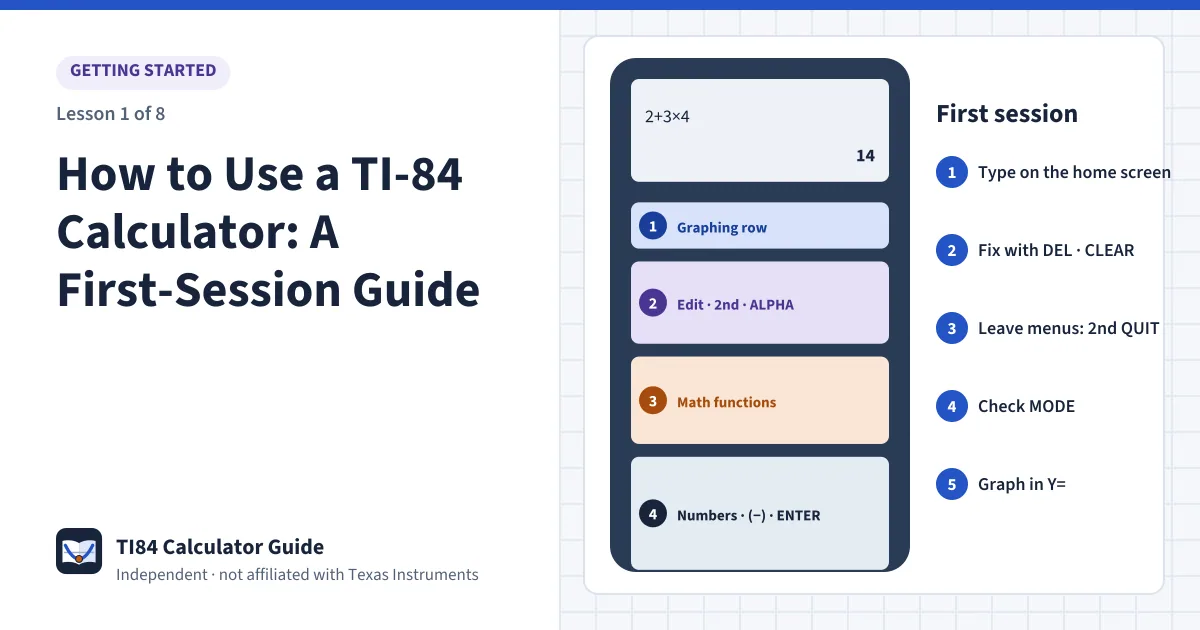
Identify your model, learn the home screen, correct a typo without starting over, check MODE, then graph y = x² − 4 and read one value from it.
Type at least two letters.
Learning hub · 8 lessons
New TI-84 owners usually lose time to the same handful of things: a menu they cannot leave, a trig answer in the wrong angle mode, a negative sign typed with the minus key, or a screen that looks blank. These eight lessons remove those obstacles before you meet them in a test.
Each lesson takes one skill, shows the exact keys on the TI-84 Plus and TI-84 Plus CE, gives a worked example you can check, and lists the mistakes worth avoiding. None of them asks you to reset memory.
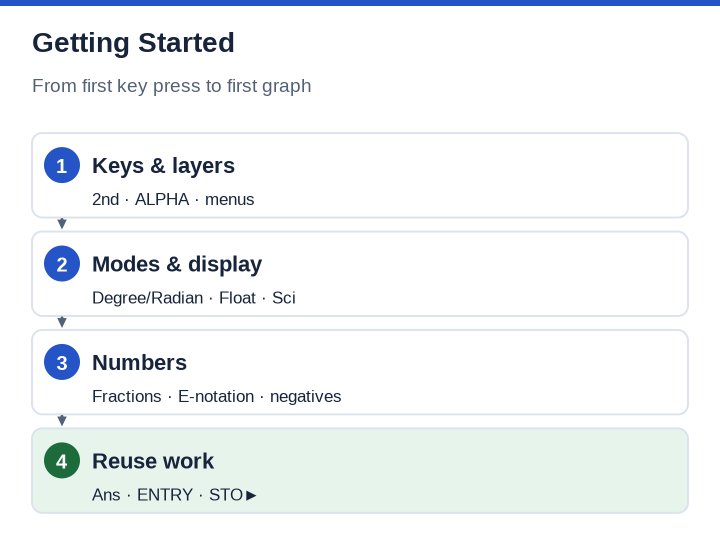
Start with the first-session guide, then learn the 2nd and ALPHA layers. Angle mode and number entry come next, because they change answers. Finish with storing values and adjusting the display.
Identify your model, learn the home screen, correct a typo without starting over, check MODE, then graph y = x² − 4 and read one value from it.
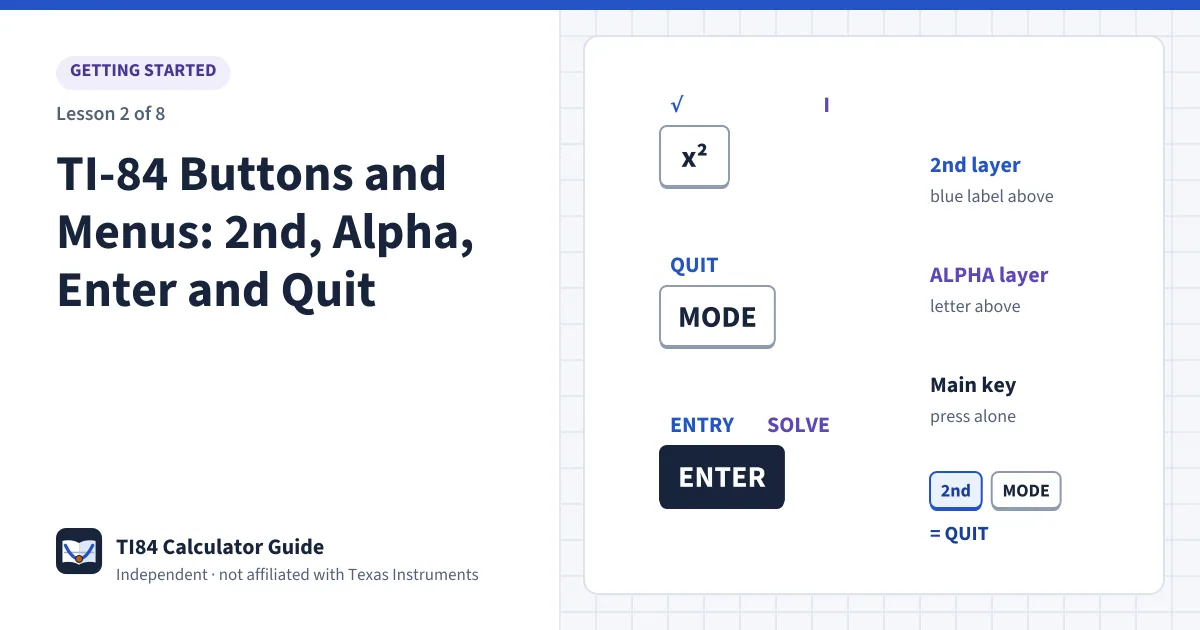
Every key has up to three jobs. Learn the 2nd and ALPHA layers, how menus number their items, and why CLEAR, QUIT and Reset are very different.
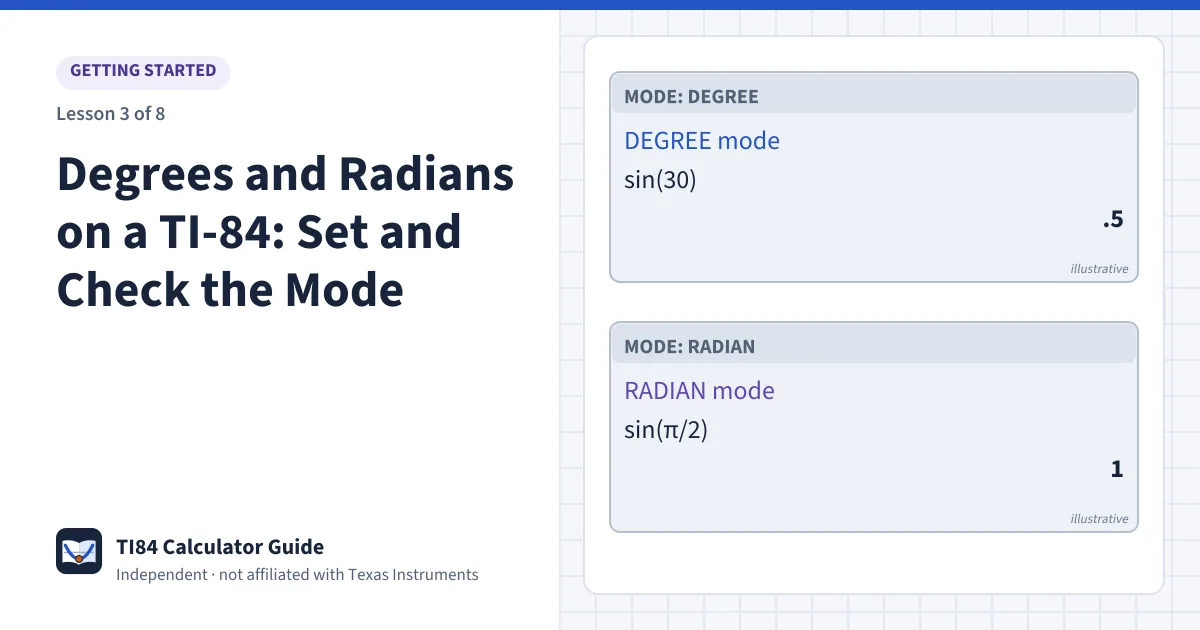
Why sin(30) can show −.988 instead of .5, how to switch between Degree and Radian in MODE, and how to override the mode for a single entry.
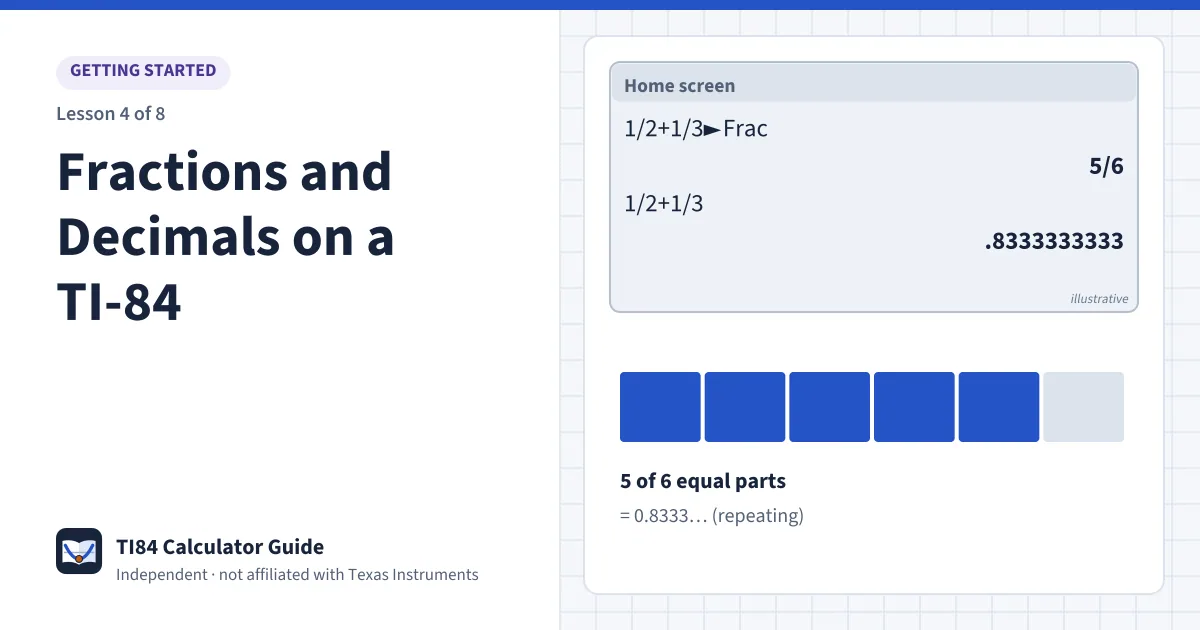
Use MATH ►Frac and ►Dec on any TI-84, the n/d template on MathPrint models, and see why 1/2 + 1/3 = 5/6 ≈ .8333333 while some decimals stay decimals.
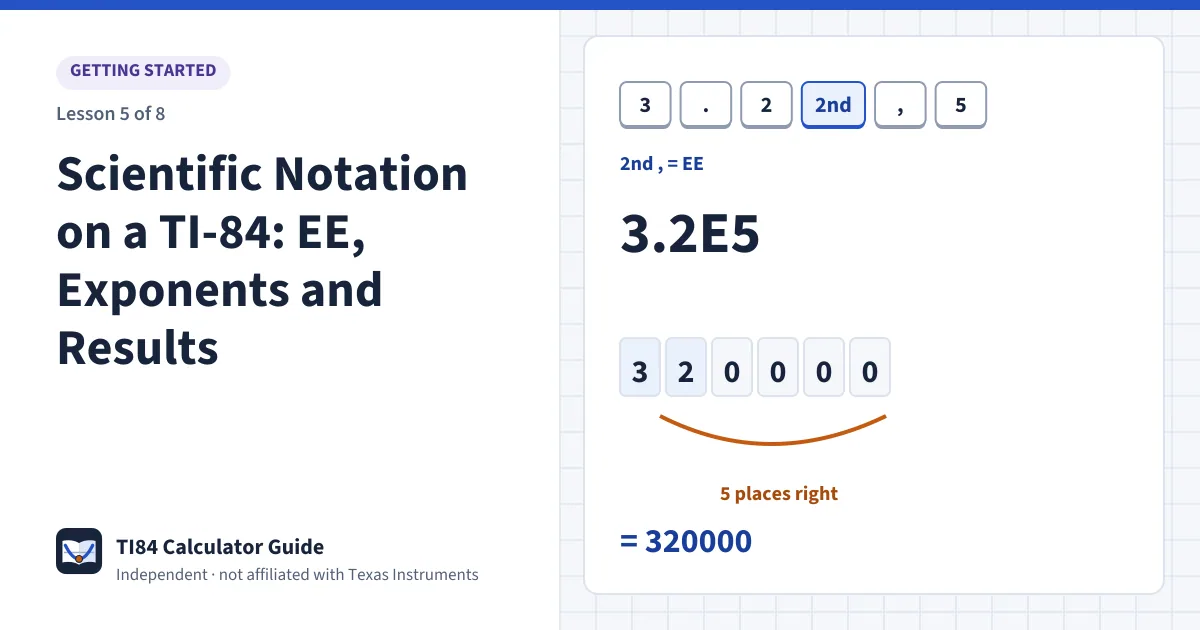
Enter 3.2 × 10⁵ with the EE key, read E-notation results, and avoid the common EE versus e mix-up. Worked: 3.2E5 = 320000 and 4.5E−3 = .0045.
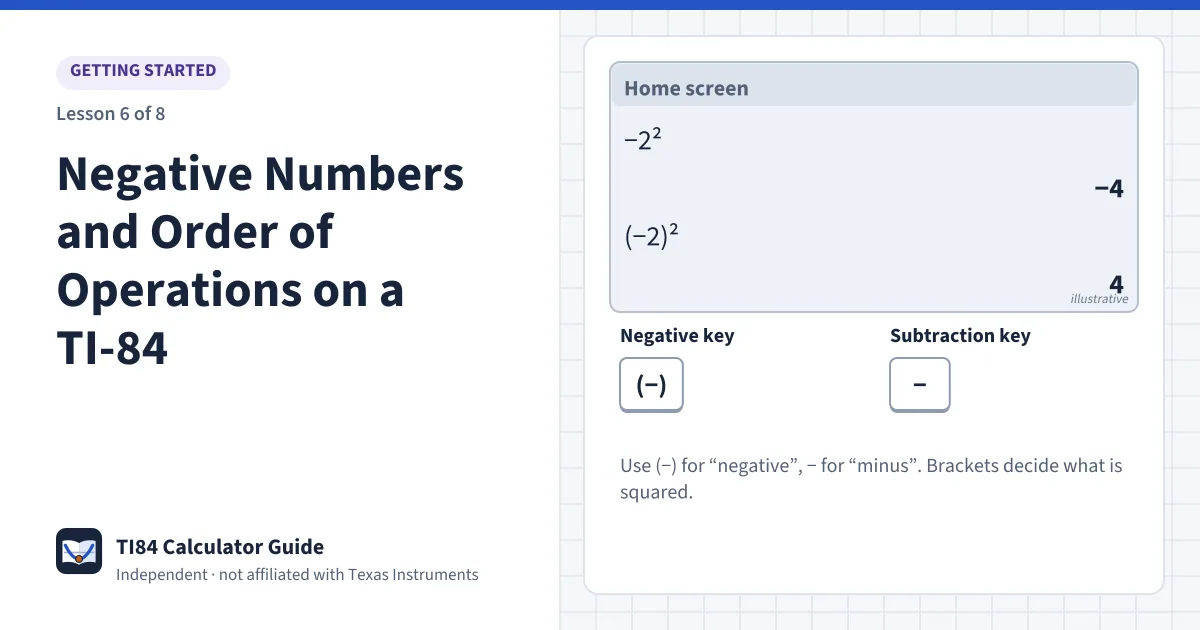
The (−) key versus the minus key, why −2^2 gives −4 but (−2)^2 gives 4, and a bracket checklist for fractions, powers and implied multiplication.
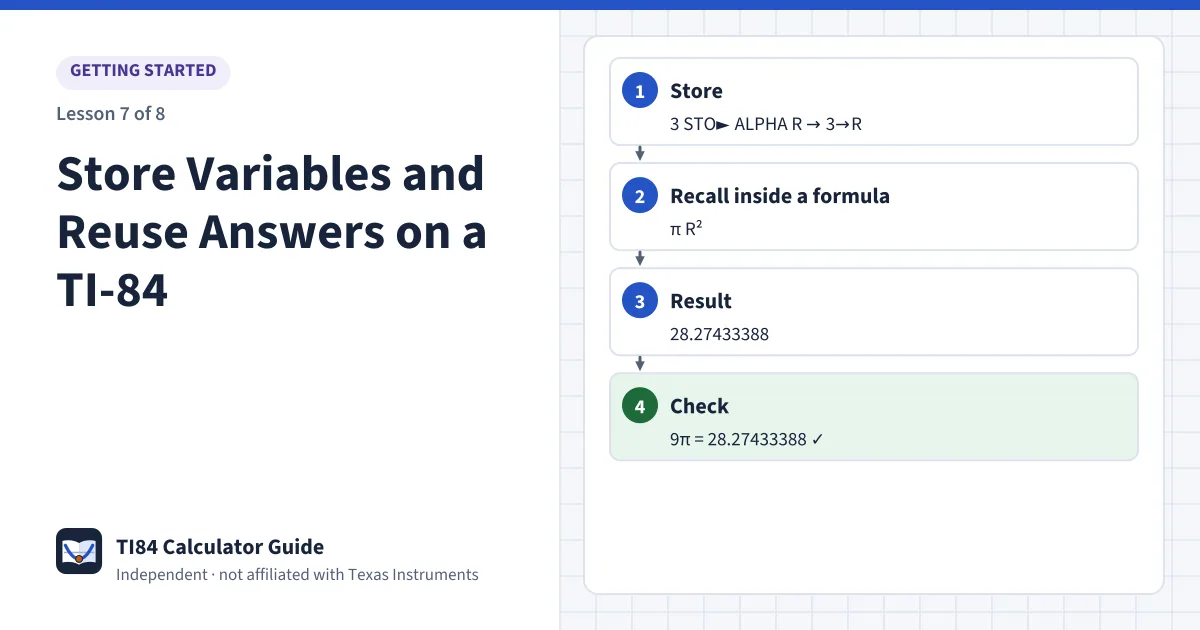
Three ways to reuse work: the Ans variable, the ENTRY history and STO► into letters A–Z. Includes the circle-area example and how to avoid overwriting a variable.
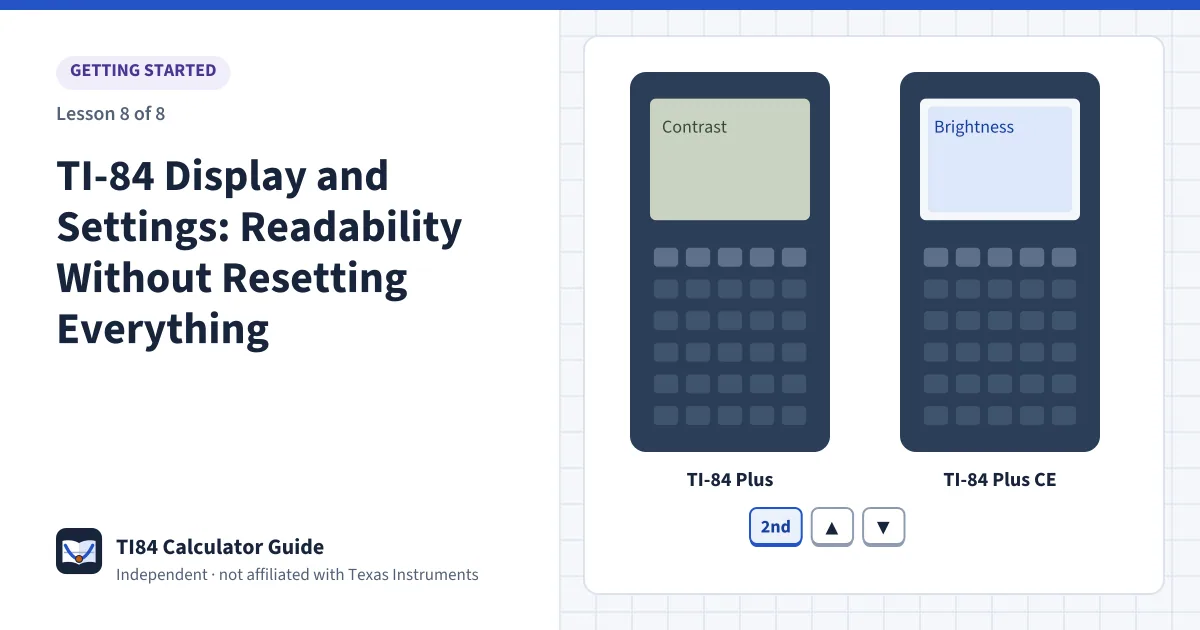
Make the screen readable and results tidy: contrast on the Plus, brightness on the CE, Float and fixed decimals, Normal/Sci/Eng and MathPrint versus Classic.
Keys are the same on the TI-84 Plus and the CE. The CE (and MathPrint versions of the Plus OS) add stacked fraction templates, extra MODE lines and, on the CE, shortcut menus and Stat Wizards. The Plus adjusts screen contrast; the CE adjusts backlight brightness.
These are independent practice tools, not TI-84 emulators.