What the policy says
From the College Board’s calculator policy page:
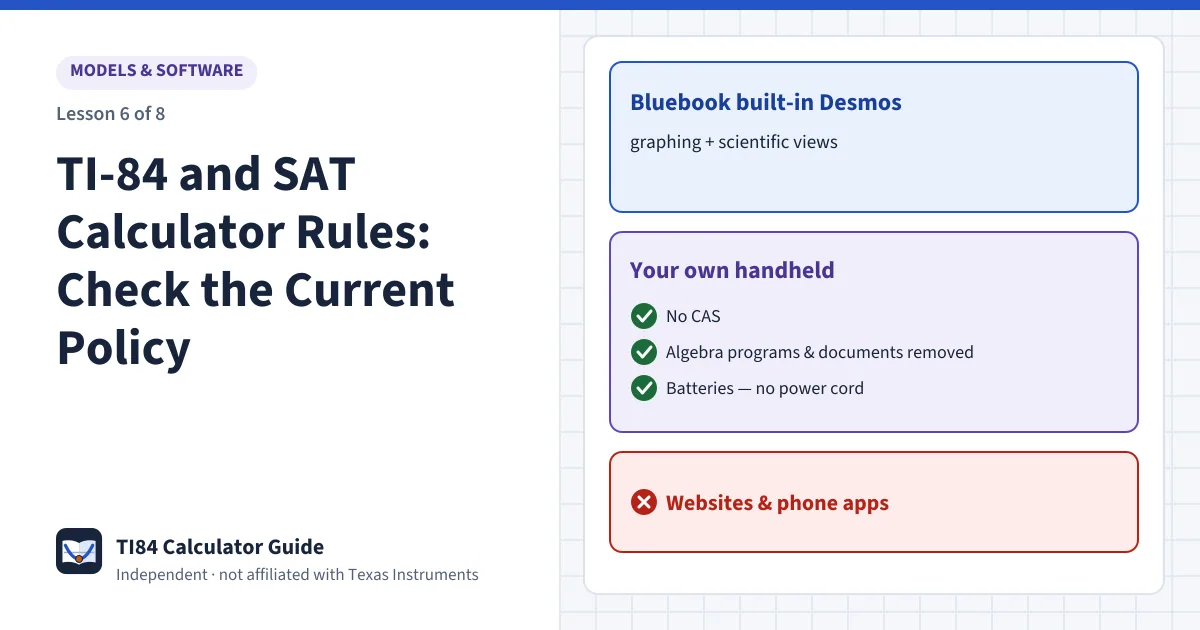
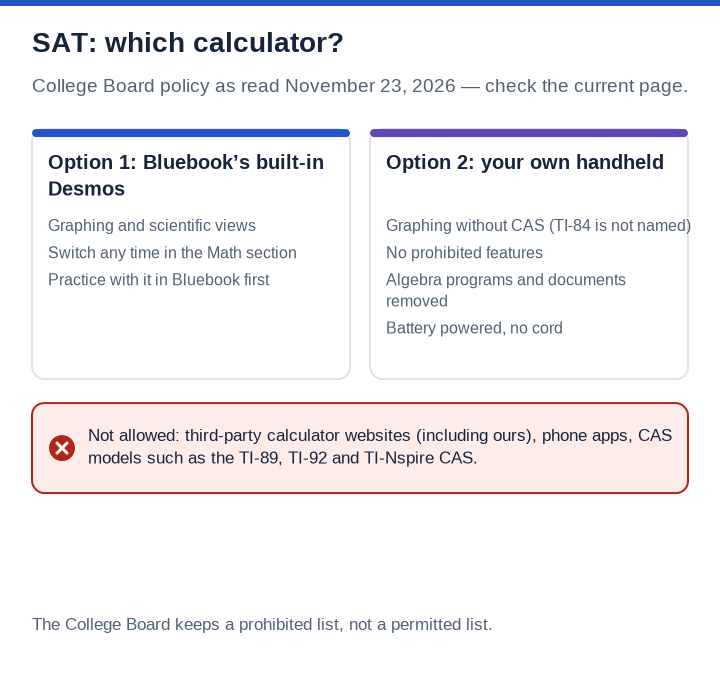
- Acceptable: the Desmos calculator built into the Bluebook testing app (graphing and scientific views), graphing calculators without computer algebra system (CAS) features, scientific calculators, and four-function calculators (which the page says are not recommended).
- Prohibited models: calculators with built-in CAS. The page names examples including Casio ClassPad models, HP Prime, HP 48GII, TI-89 and TI-92 models, TI-Nspire CAS and TI-Nspire CX II CAS, and any model with “CAS” in its name. Non-CAS TI-Nspire models are acceptable.
- Prohibited features: apps, menus or programs that perform symbolic algebra; QWERTY keyboards; wireless, Bluetooth or cellular connectivity; cameras or recording; pen input; paper tape; and phones or tablets (unless approved as an accommodation).
- Power: the page states that no power cords are allowed for calculators.
- Stored content: programs with algebra functionality must be deleted, and stored documents must be removed.
- No permitted list: the College Board says it no longer maintains a list of specifically permitted graphing calculators.
Where does that leave a TI-84?
The policy page does not name the TI-84. It is not on the prohibited list, and it is a graphing calculator without built-in CAS. The rules therefore apply to your particular calculator as configured: what programs and documents it holds, and its features. We do not give a blanket “SAT approved” label, because the College Board does not issue one.
Preparing a TI-84 for the SAT
- Read the current policy on the College Board’s site.
- Back up anything you want to keep with TI Connect CE.
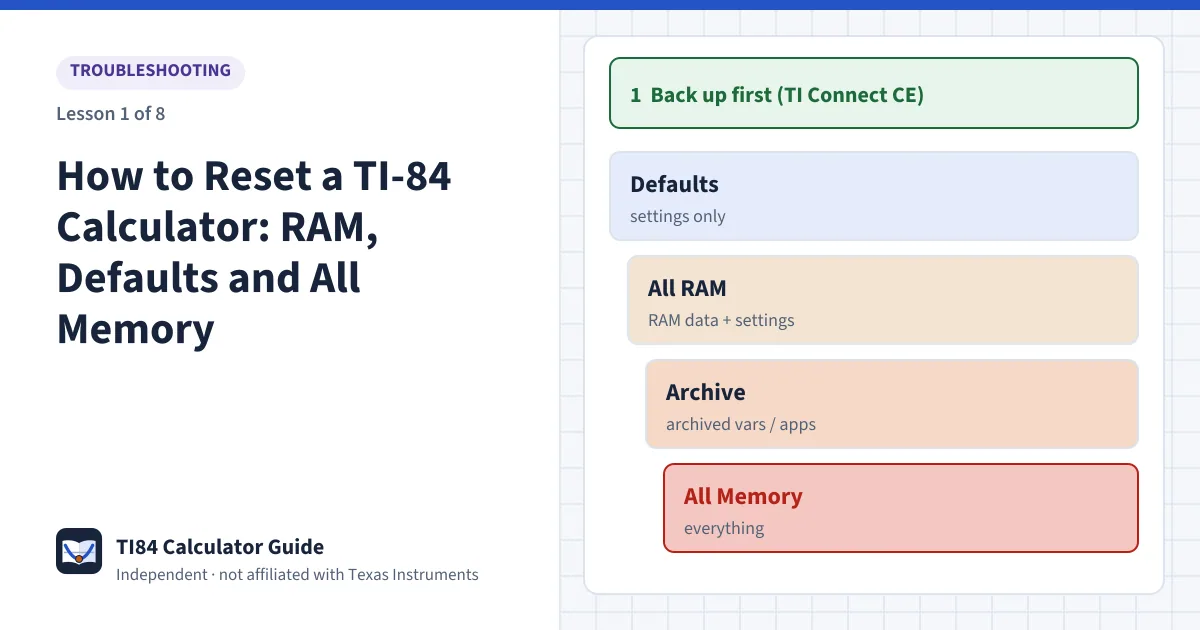
- Remove prohibited content. Delete programs with algebra functionality and remove stored documents. Texas Instruments’ test-prep guide explains memory resets and Press-to-Test mode for the TI-84 series; use them if they fit the policy and your situation (reset guide).
- Charge or replace batteries. A TI-84 Plus CE needs a charge (you cannot plug it in during the test); a TI-84 Plus needs good AAA batteries.
- Practice with the calculator you will use — or with Bluebook’s Desmos calculator if you plan to use that.
Bluebook’s built-in calculator
The SAT is taken in the Bluebook app, which includes a Desmos calculator with graphing and scientific options that you can switch between during the Math section. Many students use it instead of a handheld. If you plan to, practice with it in Bluebook beforehand; it works differently from a TI-84.
Independent websites and practice tools
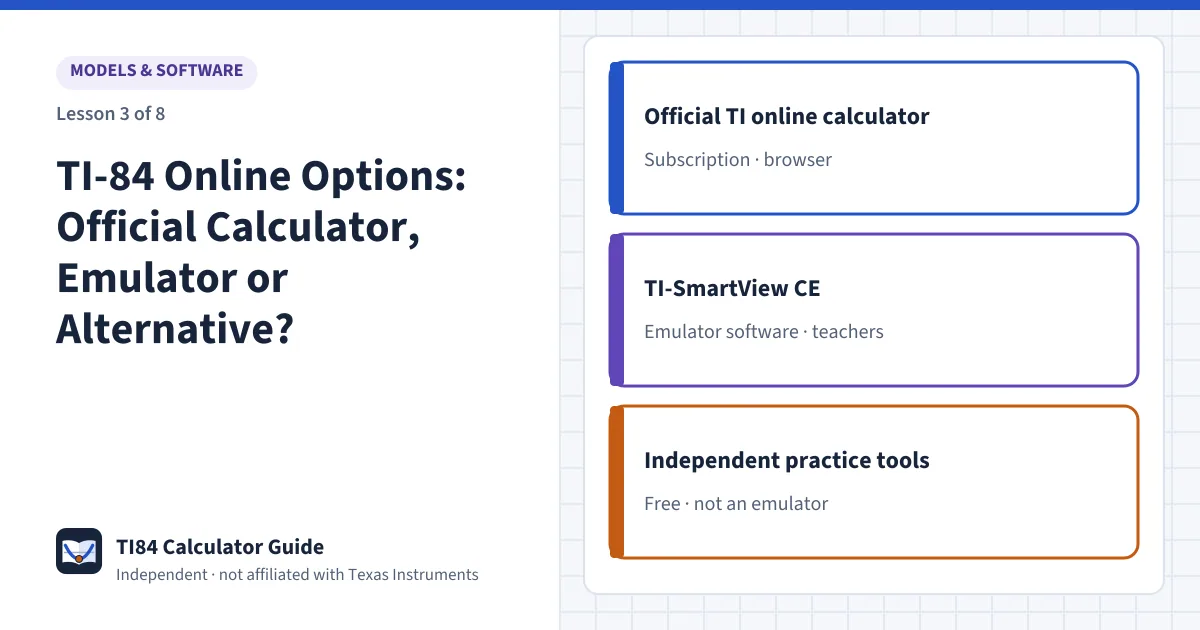
Third-party calculator websites — including our practice tools — are not permitted during the SAT. They are for study only.
Common misunderstandings
- “The TI-84 is on the approved list.” There is no permitted list; there is a prohibited list and a set of rules.
- “Any program is fine.” Programs with algebra functionality must be deleted.
- “I can charge during the test.” No power cords are allowed.
Sources
- SAT Suite: Calculator Policy — College Board (checked November 23, 2026)
- Exam preparation guides for your TI: TI-84 series — Texas Instruments (checked November 23, 2026)
How this guide was made: written by Paul B. Spicer with AI drafting assistance, following our editorial policy. Key sequences and menu names were checked against the Texas Instruments documents listed above; numeric examples are recomputed by automated tests. Diagrams are original illustrations, not screenshots. TI84 Calculator Guide is independently operated and is not affiliated with, sponsored by or endorsed by Texas Instruments. TI-84 Plus, TI-84 Plus CE and related names are used only to describe the calculators our guides cover. Found a mistake? Send a correction.