What the policy says
From ACT’s calculator policy page:
- Allowed unless prohibited: four-function, scientific and graphing calculators.
- Prohibited: calculators with built-in computer algebra system (CAS) functionality. The page names examples including the TI-89, TI-92 and TI-Nspire CAS (the non-CAS TI-Nspire is permitted), HP Prime and Casio ClassPad models, among others.
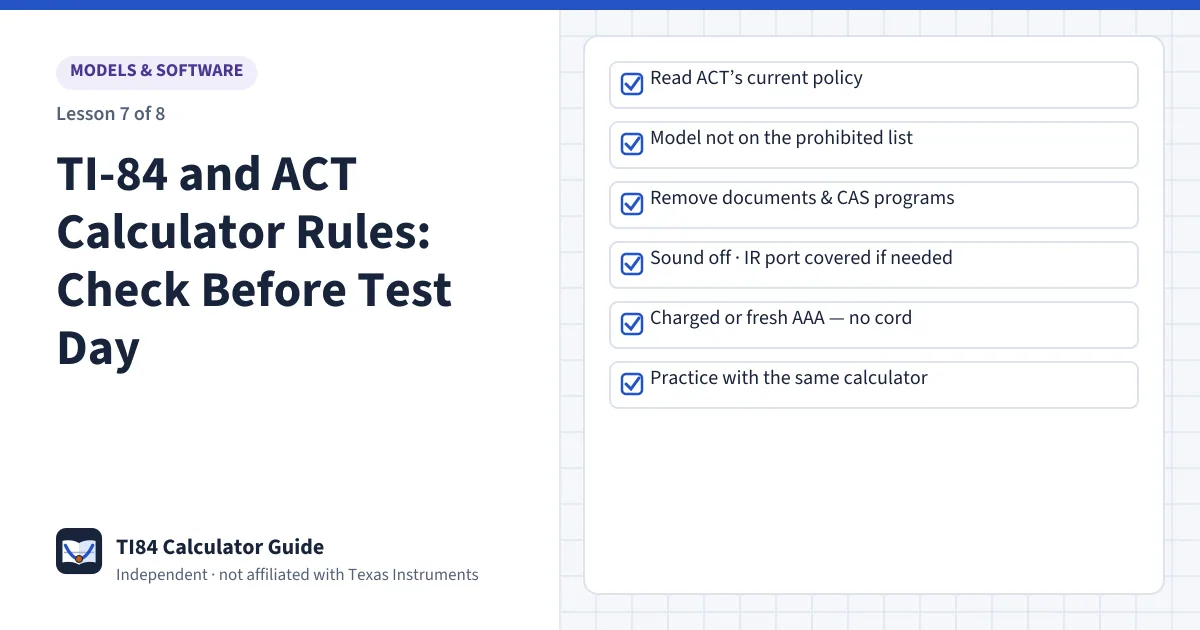
- Permitted only after modification: the page lists changes such as removing documents and programs with CAS functionality, removing paper tape, turning off sound, and covering infrared data ports.
- Power: no power cords.
- Online testing: ACT’s page says online test-takers have access to a built-in Desmos calculator.
The policy page does not name the TI-84. It is a graphing calculator and is not on the prohibited list, so ACT’s rules apply to your calculator as you bring it — its stored programs, documents and features.
Verification checklist
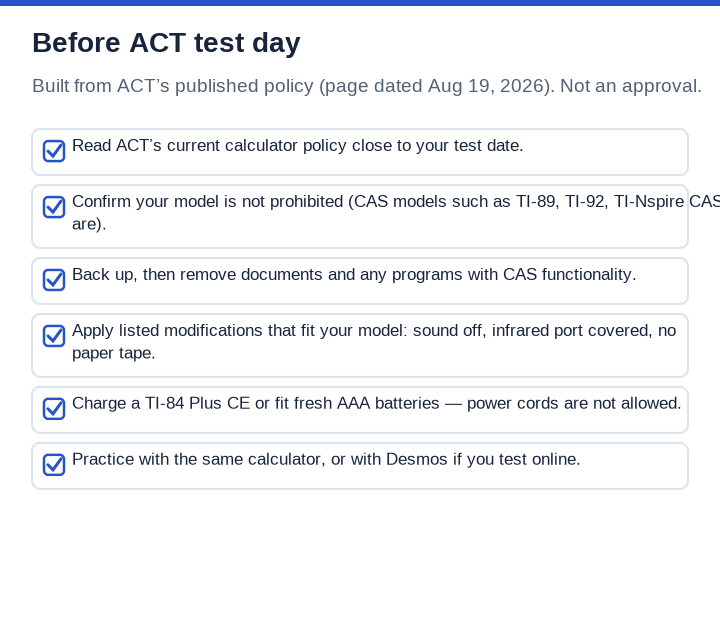
- Read ACT’s current policy and check for updates close to your test date.
- Confirm your model is not on the prohibited list (identify your TI-84).
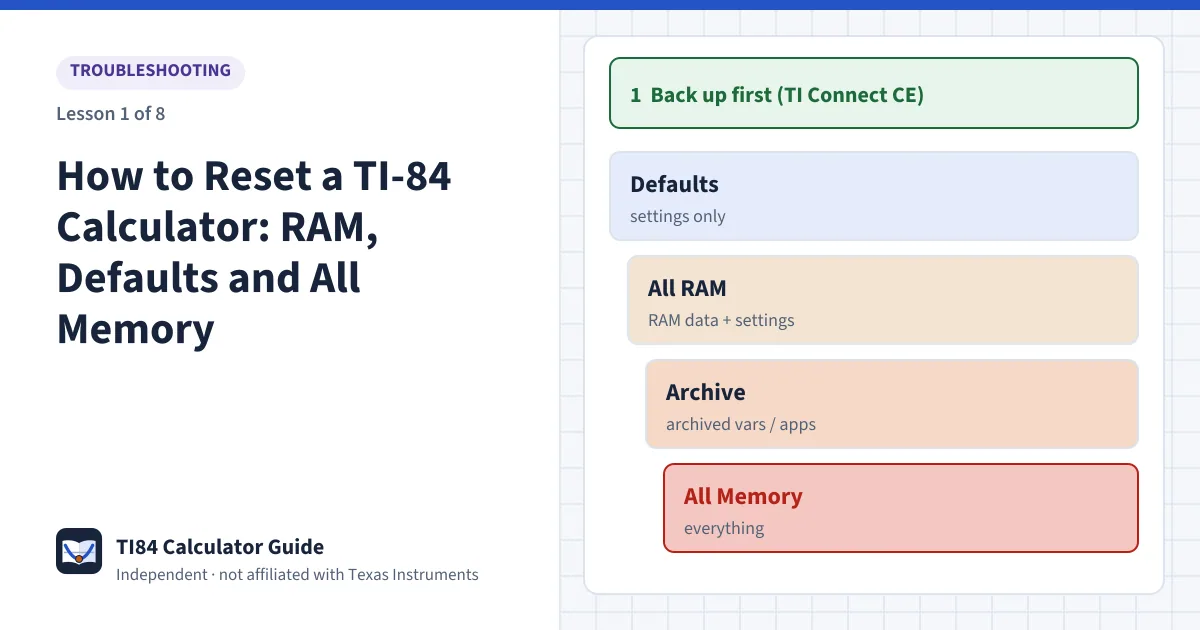
- Back up, then remove documents and any programs with CAS functionality. TI’s test-prep guide covers memory resets for the TI-84 series (reset guide).
- Apply required modifications if they apply to your model.
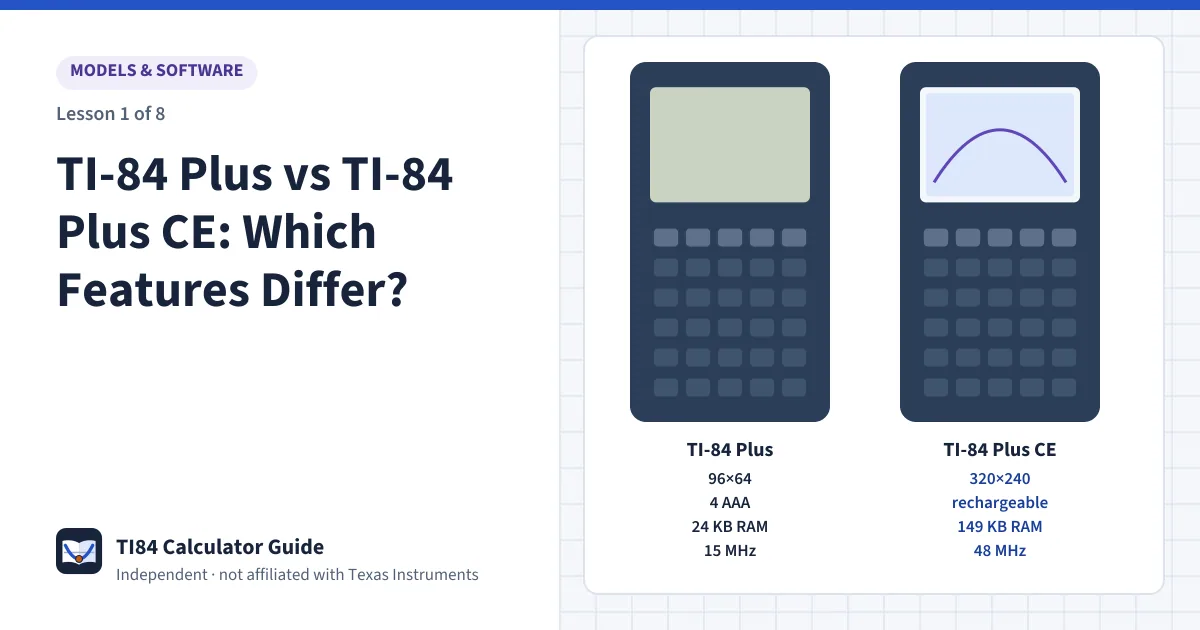
- Power up: charge a TI-84 Plus CE fully; fit fresh AAA batteries in a TI-84 Plus.
- Practice with the same calculator, or with the built-in Desmos calculator if you test online.
Why “TI-84 allowed” is the wrong question
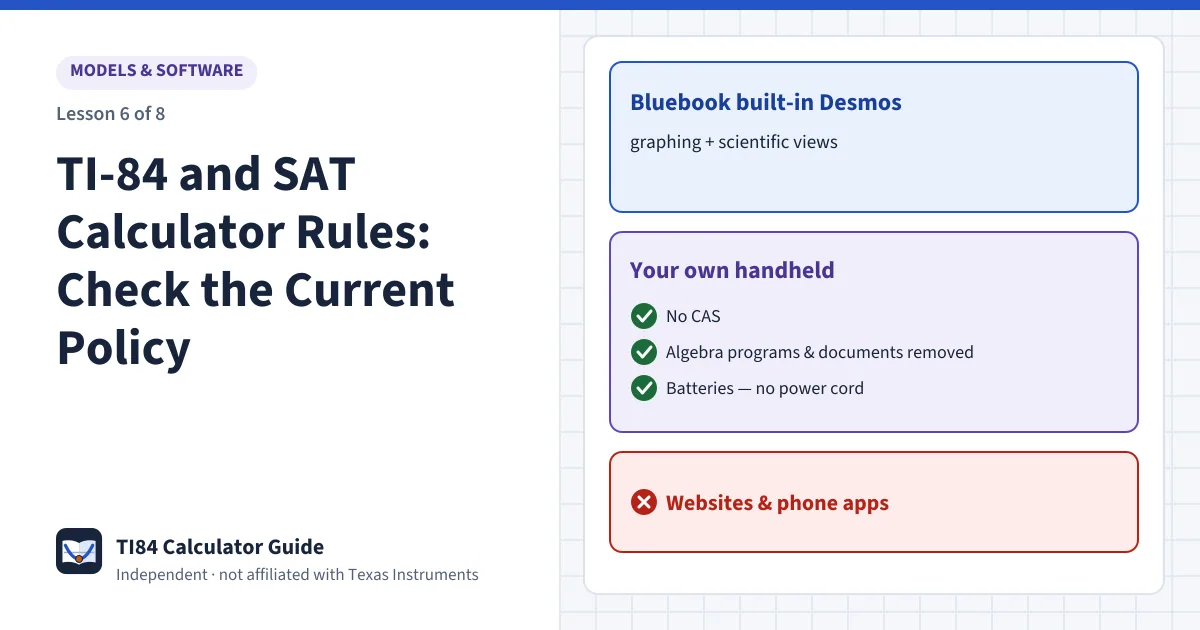
Both the SAT and the ACT now judge calculators by features and stored content, not by a short list of approved models. A TI-84 with an algebra program installed may break a rule that the same model with a clean memory does not. Preparing your calculator is your responsibility.
Independent websites and practice tools
Calculator websites and phone apps — including our practice tools — are for study, not for use during the ACT.
Common misunderstandings
- “ACT and SAT rules are identical.” They overlap but differ in detail; read both if you take both. See the SAT guide.
- “Programs are always banned.” ACT targets programs with CAS functionality; check what your programs do.
- “A teacher said it’s fine.” Follow ACT’s written policy and the test center staff.
Sources
- ACT Calculator Policy — ACT (checked November 23, 2026)
- Exam preparation guides for your TI: TI-84 series — Texas Instruments (checked November 23, 2026)
How this guide was made: written by Paul B. Spicer with AI drafting assistance, following our editorial policy. Key sequences and menu names were checked against the Texas Instruments documents listed above; numeric examples are recomputed by automated tests. Diagrams are original illustrations, not screenshots. TI84 Calculator Guide is independently operated and is not affiliated with, sponsored by or endorsed by Texas Instruments. TI-84 Plus, TI-84 Plus CE and related names are used only to describe the calculators our guides cover. Found a mistake? Send a correction.