
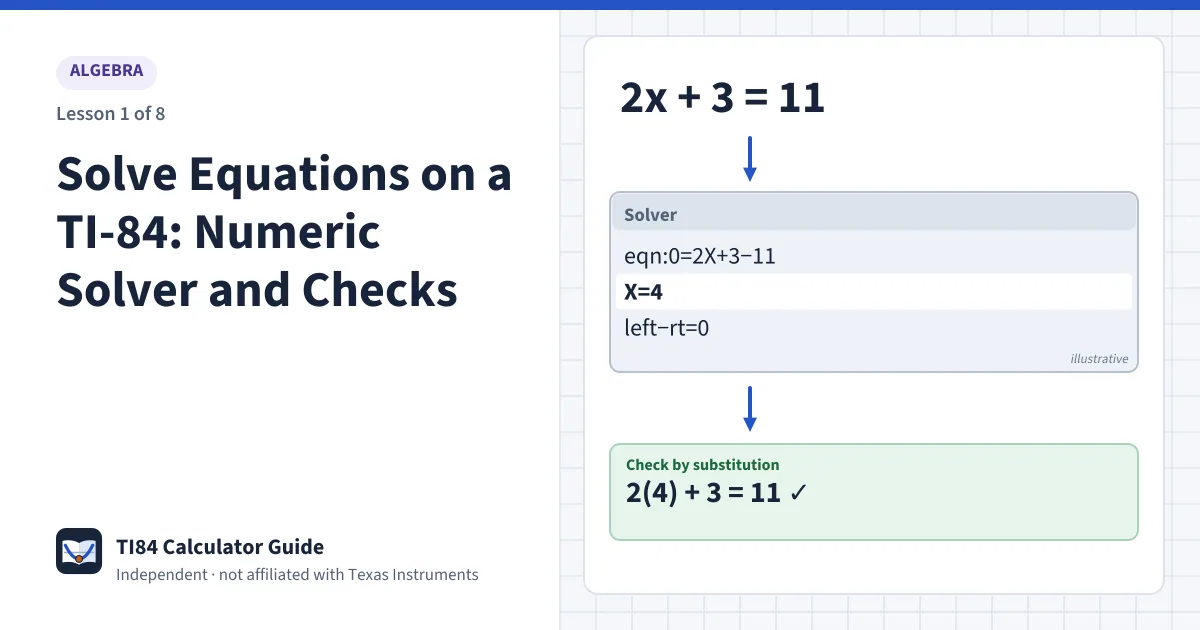
Step 1 · Algebra
Solve Equations on a TI-84: Numeric Solver and Checks
Solve 2x + 3 = 11 for x = 4 with the TI-84 Plus Solver or the CE Numeric Solver, then check it. Learn why a numeric solver finds one root at a time.
Type at least two letters.
Learning hub · 8 lessons
A TI-84 is not a computer algebra system: it will not rearrange an equation for you. What it does very well is find numerical answers and check yours — a root, a determinant, a slope at a point or the area under a curve. Knowing that difference is the key to using it well in algebra and early calculus.
Each lesson pairs the calculator method with a hand check, so the answer on screen is something you can trust and explain.
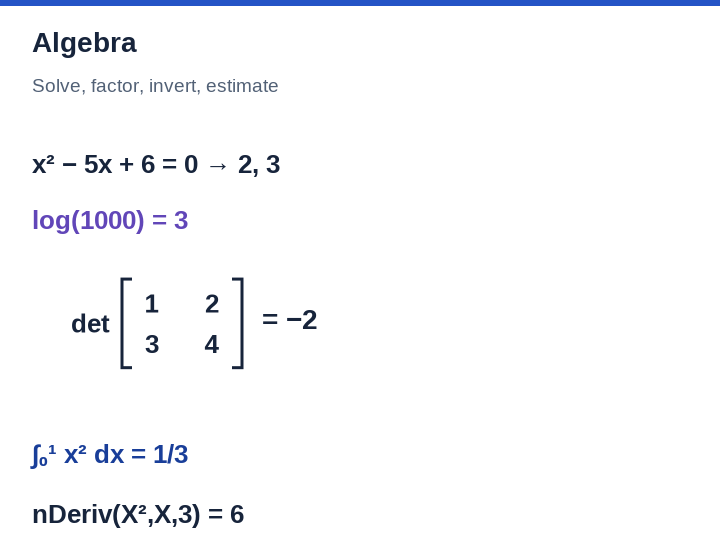
Begin with the numeric Solver and quadratics, then move to systems and matrices, which share the matrix editor. Exponents, logs and complex numbers come next. The final two lessons use the calculator for numerical calculus.
Solve 2x + 3 = 11 for x = 4 with the TI-84 Plus Solver or the CE Numeric Solver, then check it. Learn why a numeric solver finds one root at a time.
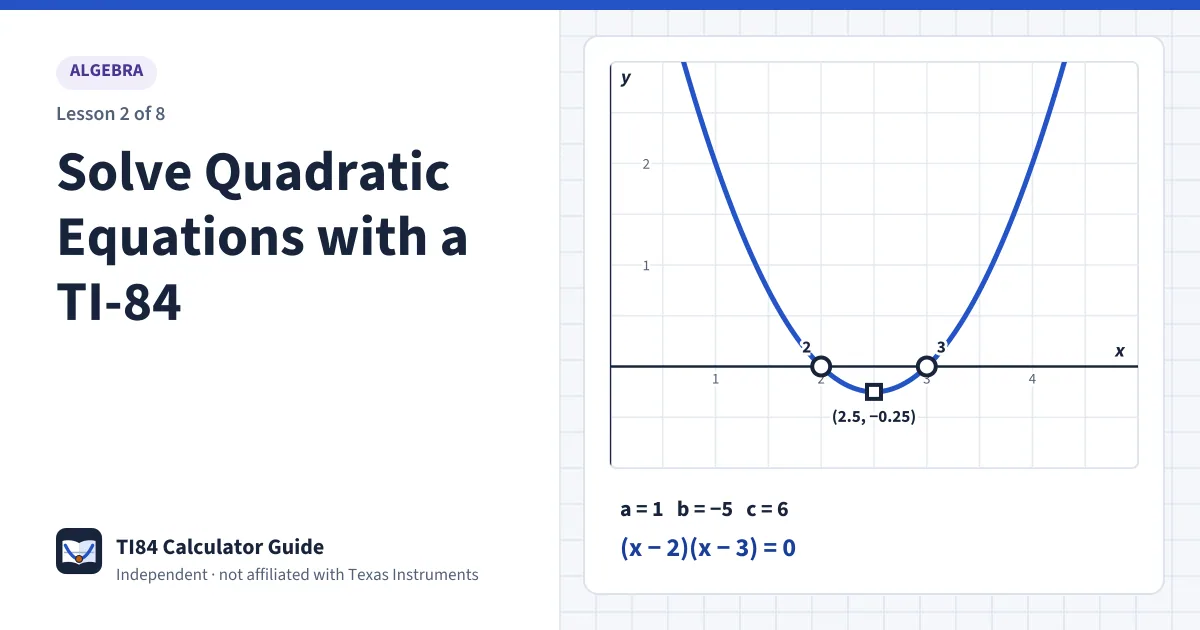
Solve x² − 5x + 6 = 0 by graphing, by the Solver and by the quadratic formula on the home screen, then check with the factorization (x − 2)(x − 3).
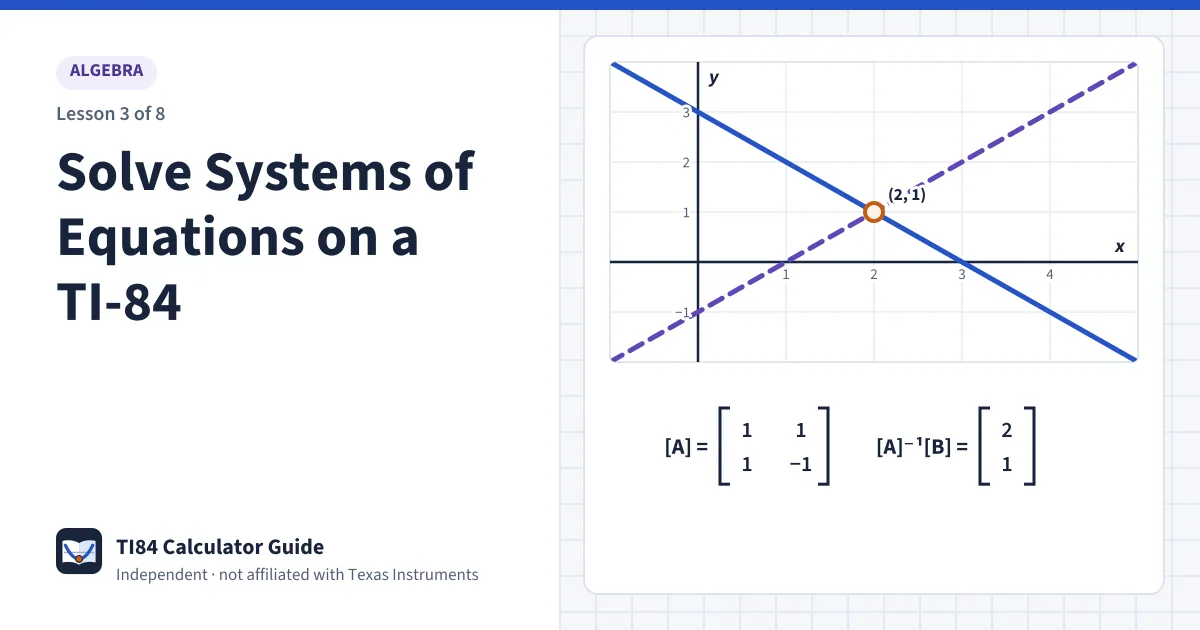
Find (2, 1) for x + y = 3 and x − y = 1 two ways — graph intersection and matrix inverse — and recognize when a system has no solution or infinitely many.
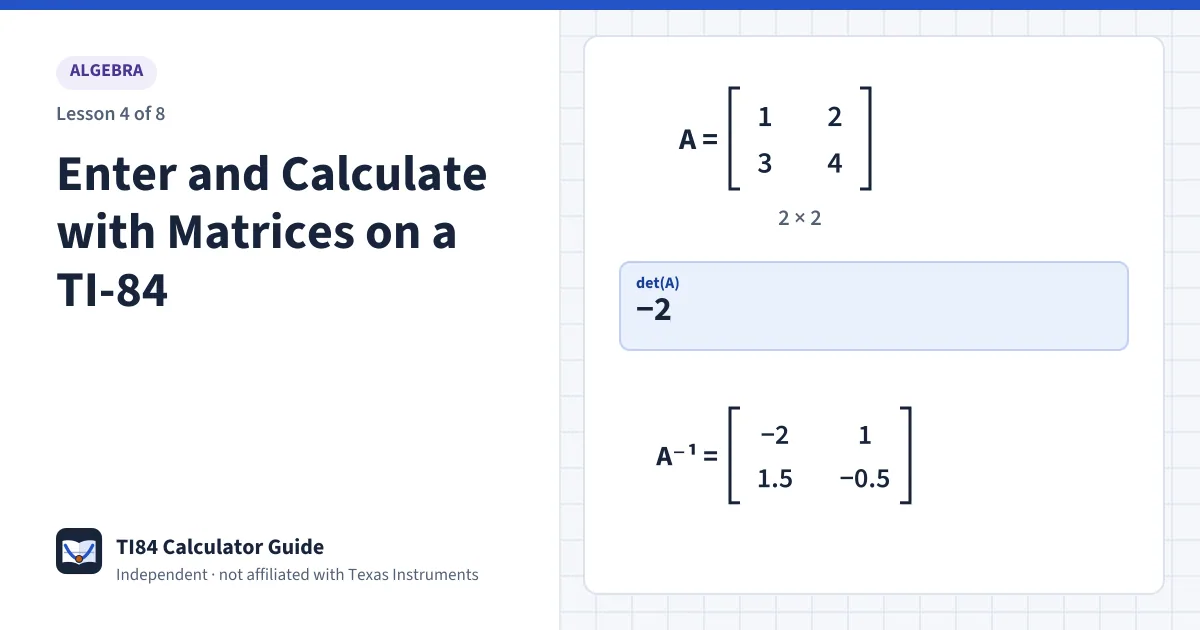
Set matrix dimensions, enter values, and compute A×B, det(A) = −2, A⁻¹ = [[−2,1],[1.5,−0.5]] and Aᵀ for A = [[1,2],[3,4]], with dimension rules explained.
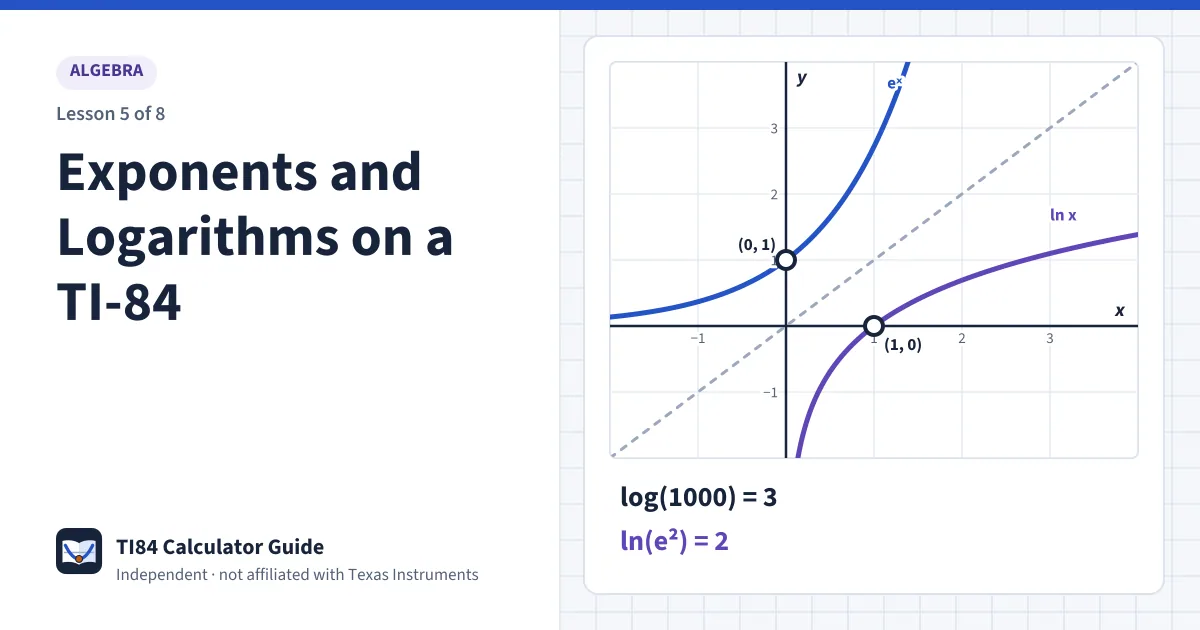
Powers and their inverse logs: log(1000) = 3, ln(e²) = 2, logBASE(8, 2) = 3. Learn which key does what and why log(0) and log(−1) give errors.
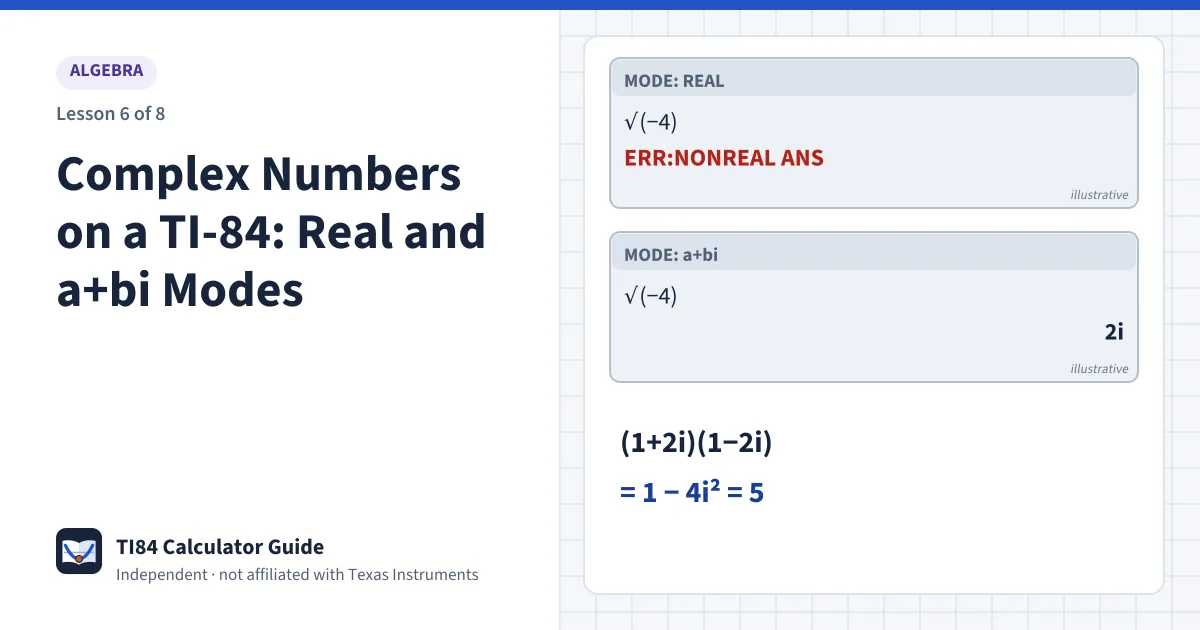
Why √(−4) gives ERR:NONREAL ANS in REAL mode but 2i in a+bi mode, how to type i, and how the CMPLX menu finds conjugates, real and imaginary parts and modulus.
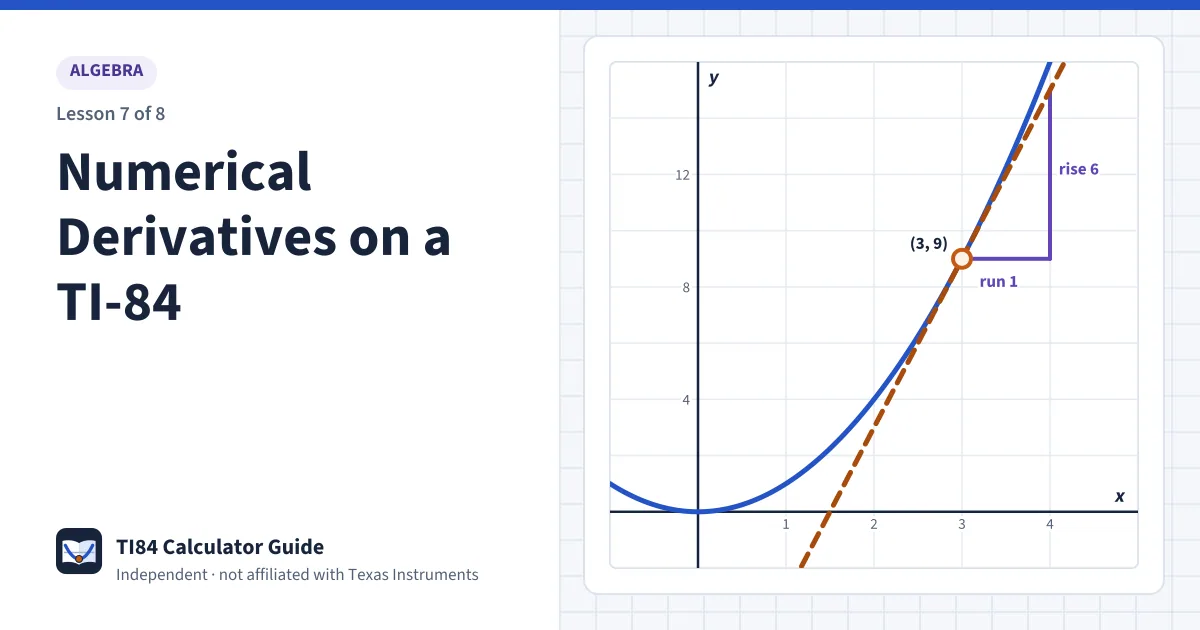
Use nDeriv(X², X, 3) = 6 and CALC 6:dy/dx to find a slope at a point. Learn how the symmetric difference works and why nDeriv(abs(X), X, 0) wrongly returns 0.
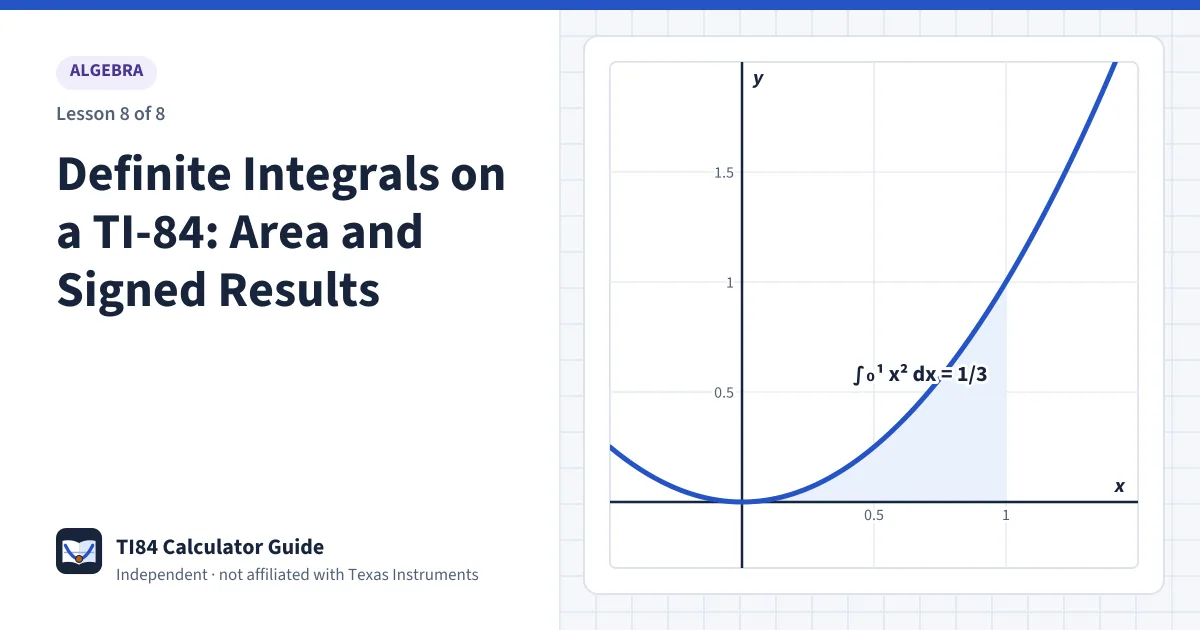
Compute ∫₀¹ x² dx = 1/3 with fnInt( and the graph CALC tool, then learn the difference between a signed integral and geometric area using x³.
Menu numbers differ by operating system: the TI-84 Plus guidebook lists Solver as MATH item B, while the CE OS 5.7 guide shows C:Numeric Solver. On the CE, MathPrint templates replace typed argument lists for nDeriv and fnInt. Each lesson names the item as well as its number.
These are independent practice tools, not TI-84 emulators.