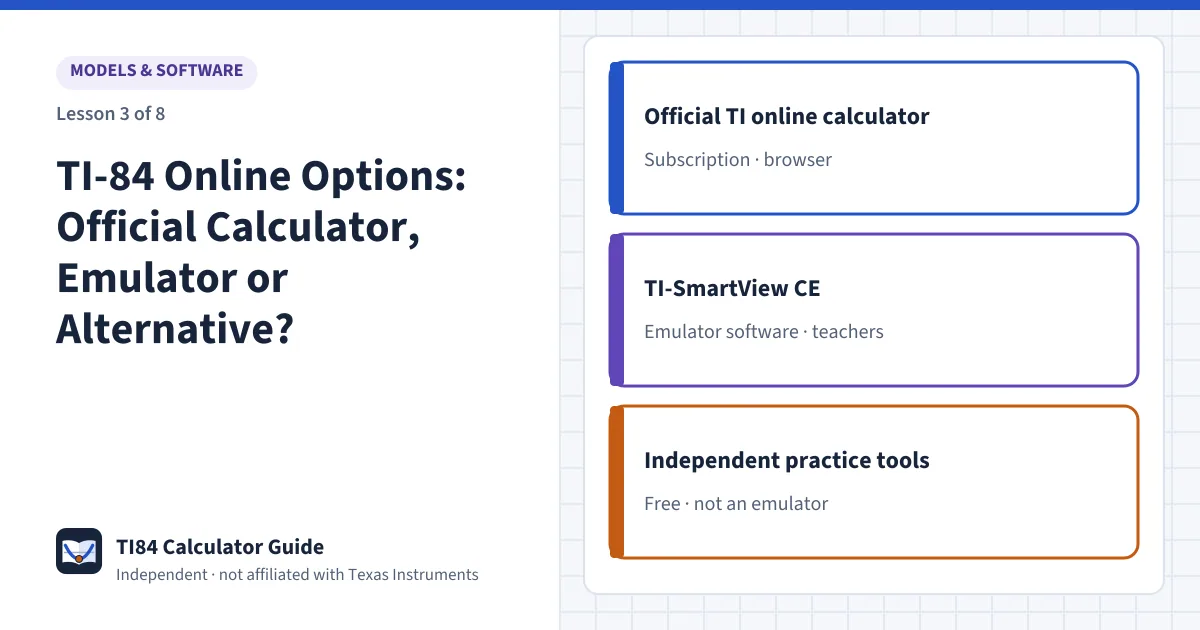
Searching for a “TI-84 calculator online” turns up three very different things: official Texas Instruments products, emulator software, and independent websites. They are not interchangeable. This guide explains each so you can pick the one that fits your situation.
Three routes compared
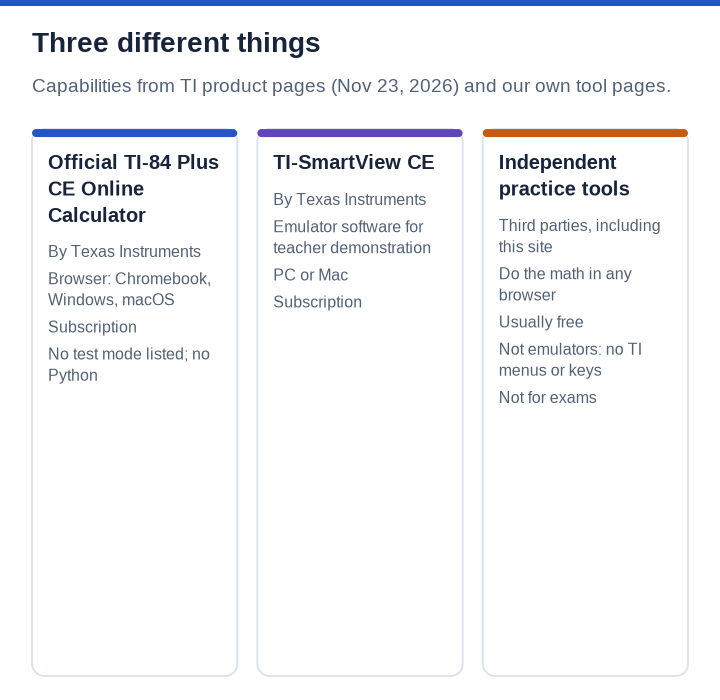
| TI-84 Plus CE Online Calculator | TI-SmartView CE | Independent practice tools | |
|---|---|---|---|
| Made by | Texas Instruments | Texas Instruments | Third parties (including this site) |
| Looks and works like a TI-84 | Yes — key functionality of the CE | Yes — emulates TI-84 models | No |
| Runs on | Browser on Chromebook, Windows, macOS | PC or Mac software | Any modern browser |
| Cost | Subscription | Subscription | Usually free |
| Intended for | Students and schools | Teacher demonstration | Practicing the mathematics |
| Exam use | TI’s page offers no test mode and does not list it for high-stakes exams | Not for student testing | Not for exams |
1. The official TI-84 Plus CE Online Calculator
Texas Instruments describes it as the key functionality of the TI-84 Plus CE in a browser. From TI’s product page on November 23, 2026:
- It is sold as a subscription. TI listed an individual license at a flat $20 per year, with multi-user licenses for schools and districts. Prices can change; check TI’s page.
- It runs on Chromebook, Windows and macOS.
- It does not include Python, and TI’s page does not offer a test mode or list it for high-stakes exams.
- TI’s software page says a retail purchase of a TI-84 Plus CE includes an online license for a period of time; check the details that came with your calculator.
If you want the TI-84 interface in a browser — for homework on a laptop or to follow a class demonstration — this is the licensed option.
2. TI-SmartView CE emulator software
TI-SmartView CE is Texas Instruments’ emulator software for the TI-84 Plus family, aimed at teachers who project a calculator for a class. It runs on PC or Mac and is sold by subscription. It is not a free student website.
3. Independent practice tools
Independent browser tools — like our graphing calculator, statistics calculator and others in our tools directory — do the mathematics: plotting y = x² − 4, finding roots, computing a standard deviation or a matrix inverse. They are useful for checking answers and learning concepts. They are not TI-84 emulators: there is no Y= key, no CALC menu, and results are presented in their own way.
What about free “TI-84 emulators”?
Some websites describe themselves as TI-84 emulators or simulators. Before relying on one, consider:
- A genuine emulator runs Texas Instruments’ operating system, which is TI’s copyrighted software. An emulator program’s open-source license does not grant rights to TI’s operating system or ROM.
- Sites that look like a TI-84 may simply be general calculators with a TI-style skin; their feature claims are not verified by TI.
- None of them is acceptable on standardized tests that require a handheld calculator.
We do not host, link to or explain how to obtain TI-84 ROM or operating-system files.
Which should you choose?
- You need the exact TI-84 interface online: TI’s online calculator.
- You teach and need to project a TI-84: TI-SmartView CE.
- You want to check the math or learn a concept: an independent practice tool, then repeat the keystrokes on your own calculator with our step-by-step guides.
- You have a test coming up: practice on the handheld you will actually use.
Sources
- TI-84 Plus CE Online Calculator — Texas Instruments (checked November 23, 2026)
- Software for the TI-84 Plus CE (online license with retail purchase) — Texas Instruments (checked November 23, 2026)
- TI-SmartView CE for the TI-84 Plus family — Texas Instruments (checked November 23, 2026)
How this guide was made: written by Paul B. Spicer with AI drafting assistance, following our editorial policy. Key sequences and menu names were checked against the Texas Instruments documents listed above; numeric examples are recomputed by automated tests. Diagrams are original illustrations, not screenshots. TI84 Calculator Guide is independently operated and is not affiliated with, sponsored by or endorsed by Texas Instruments. TI-84 Plus, TI-84 Plus CE and related names are used only to describe the calculators our guides cover. Found a mistake? Send a correction.