
Step 1 · Troubleshooting
How to Reset a TI-84 Calculator: RAM, Defaults and All Memory
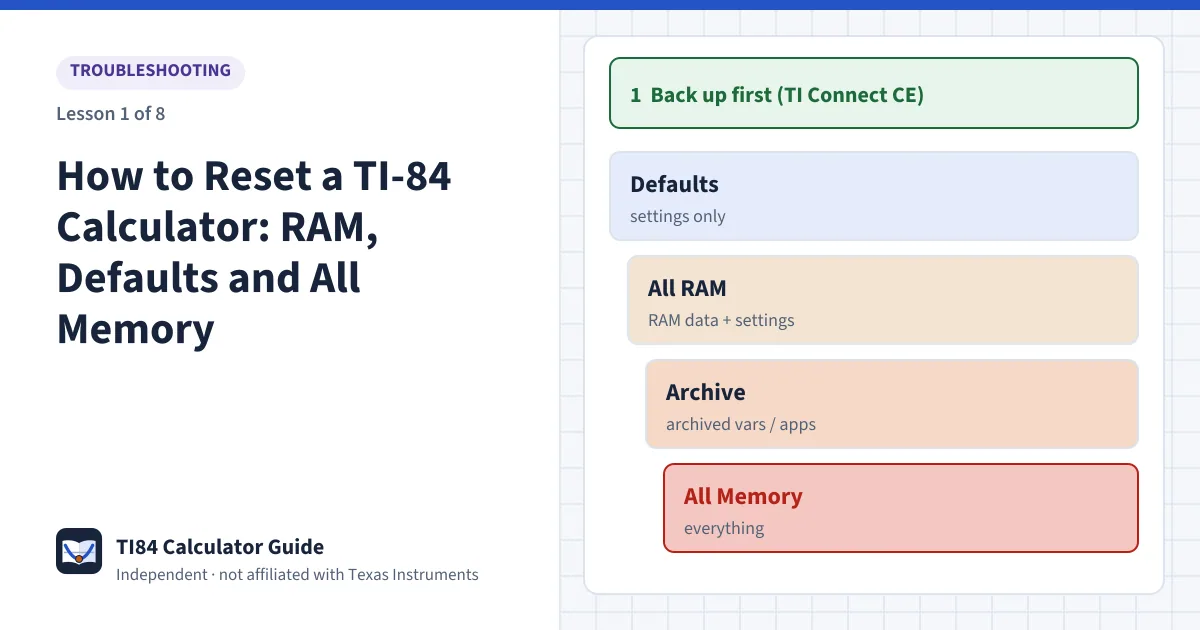
Back up, then pick the smallest reset that fixes the problem. A table shows exactly what Defaults, All RAM, Archive and All Memory remove on TI-84 models.
Type at least two letters.
Learning hub · 8 lessons
Most TI-84 problems are fixable without losing anything. A frozen screen is often a running program; a “dead” TI-84 Plus is often a contrast setting; ERR:INVALID DIM on a graph is usually a Stat Plot left on. The lessons here start with checks that change nothing and only reach memory resets after a backup.
Hardware steps follow Texas Instruments’ own knowledge-base articles, and every step that deletes data is labeled before you reach it.
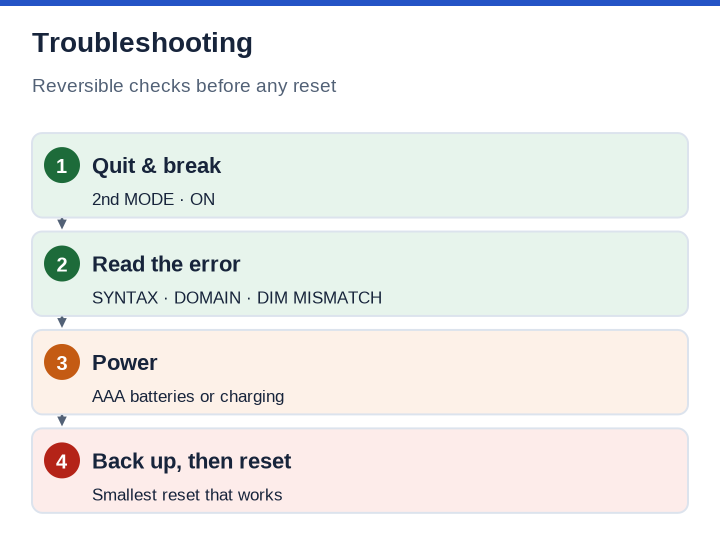
Learn what each reset deletes before anything else. Then cover power — charging and a calculator that will not turn on — followed by frozen screens. The second half decodes error messages: syntax, dimension, memory and stat plot problems.
Back up, then pick the smallest reset that fixes the problem. A table shows exactly what Defaults, All RAM, Archive and All Memory remove on TI-84 models.
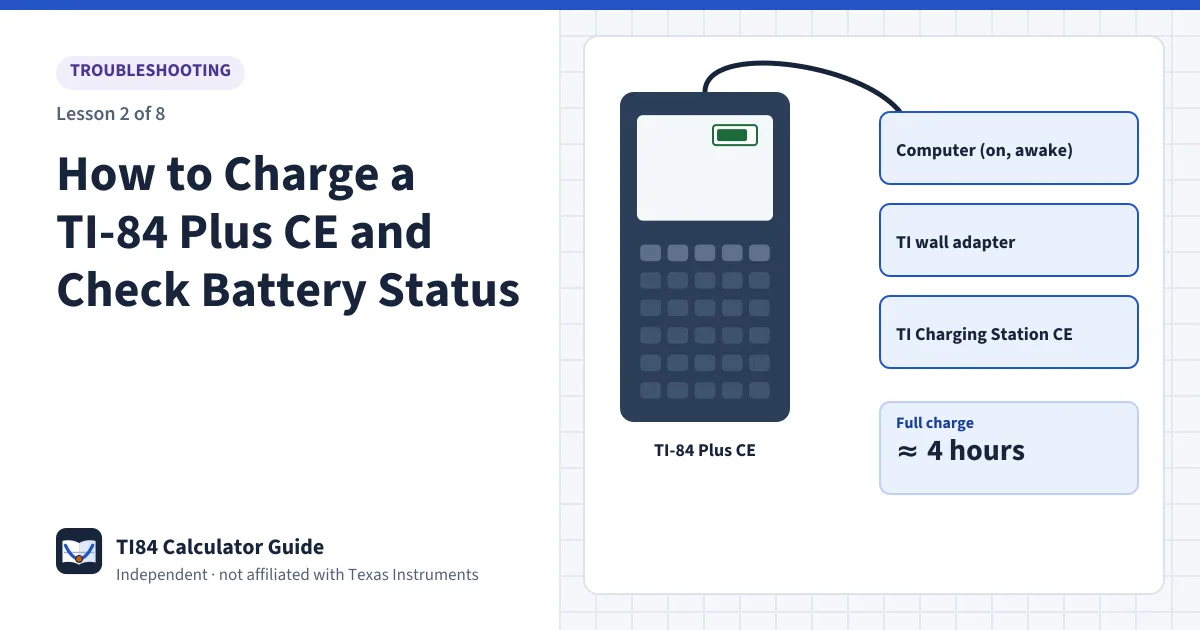
Supported charging sources, about four hours for a full charge, what the battery icon shows, charging without the original adapter, and TI’s steps if it will not charge.
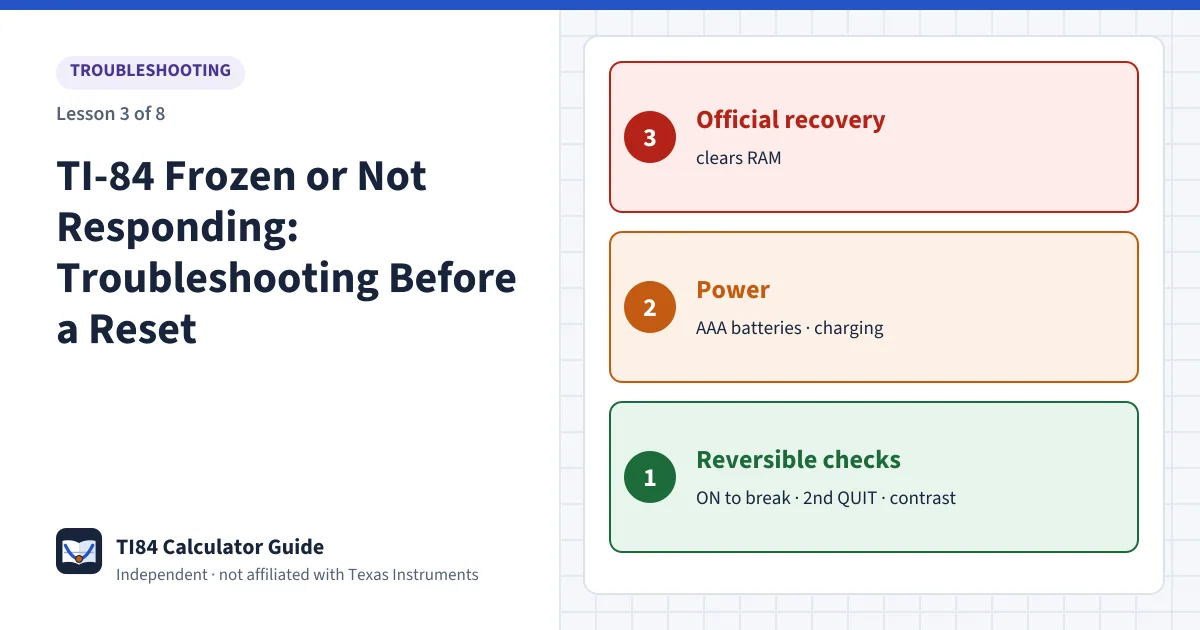
Work from reversible checks to TI’s documented recovery: break a running program with ON, quit menus, check power, then use the CE reset button or the Plus RAM clear.
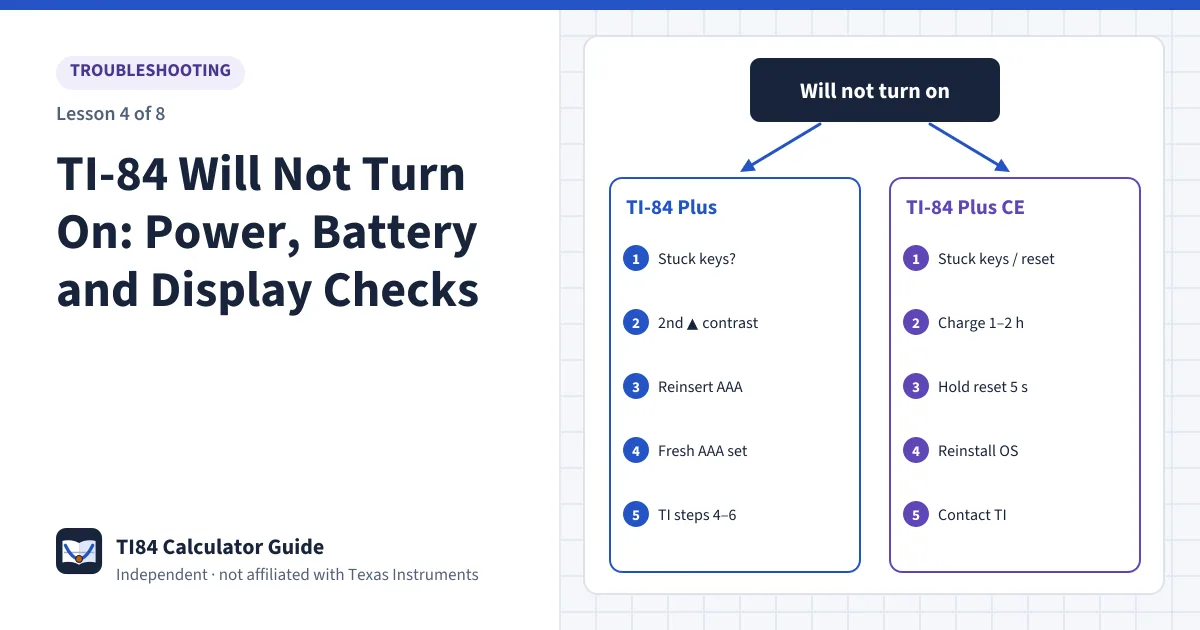
A decision tree for each model: contrast and AAA batteries on the TI-84 Plus; charging, the reset button and OS reinstall on the TI-84 Plus CE — following TI’s own steps.
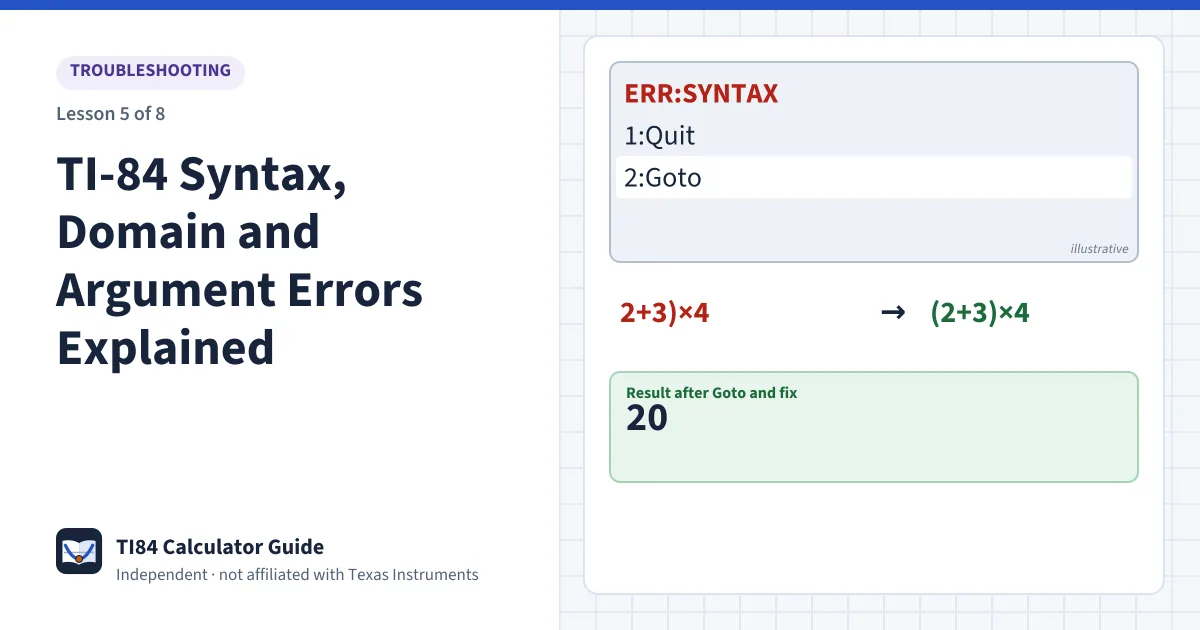
Decode the four most common TI-84 error messages with real examples — a stray bracket, log(0), a missing argument, √(−4) — and use Goto to jump to the problem.
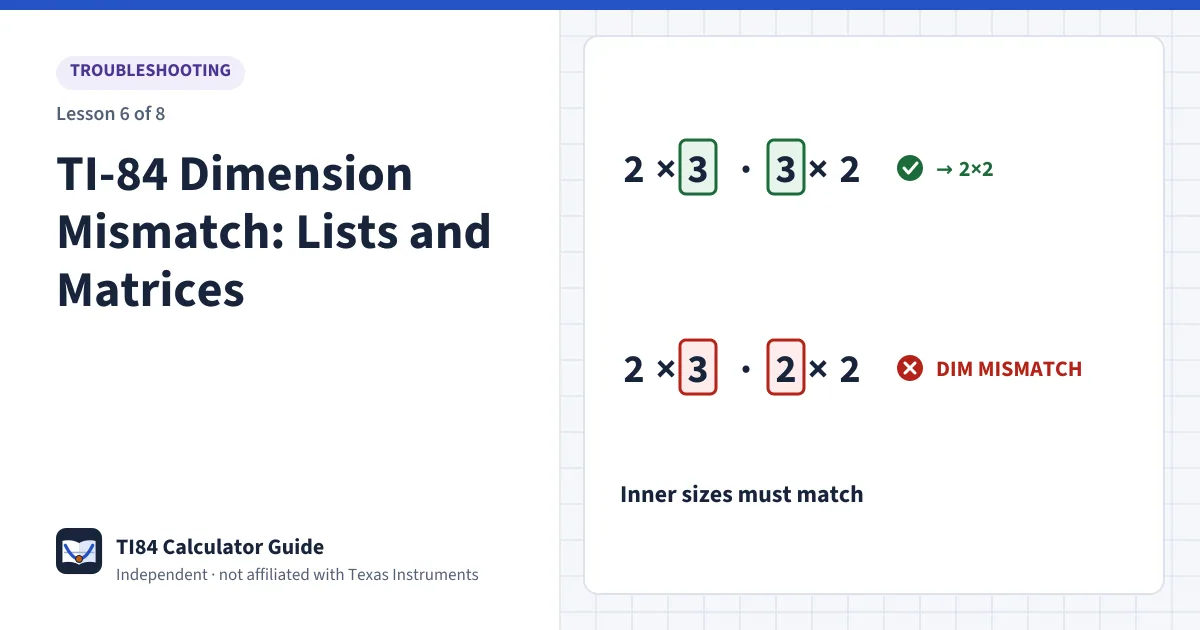
Why a 2×3 times 3×2 product works but 2×3 times 2×2 does not, how unequal L1 and L2 lengths break regressions, and how to repair data without losing pairs.
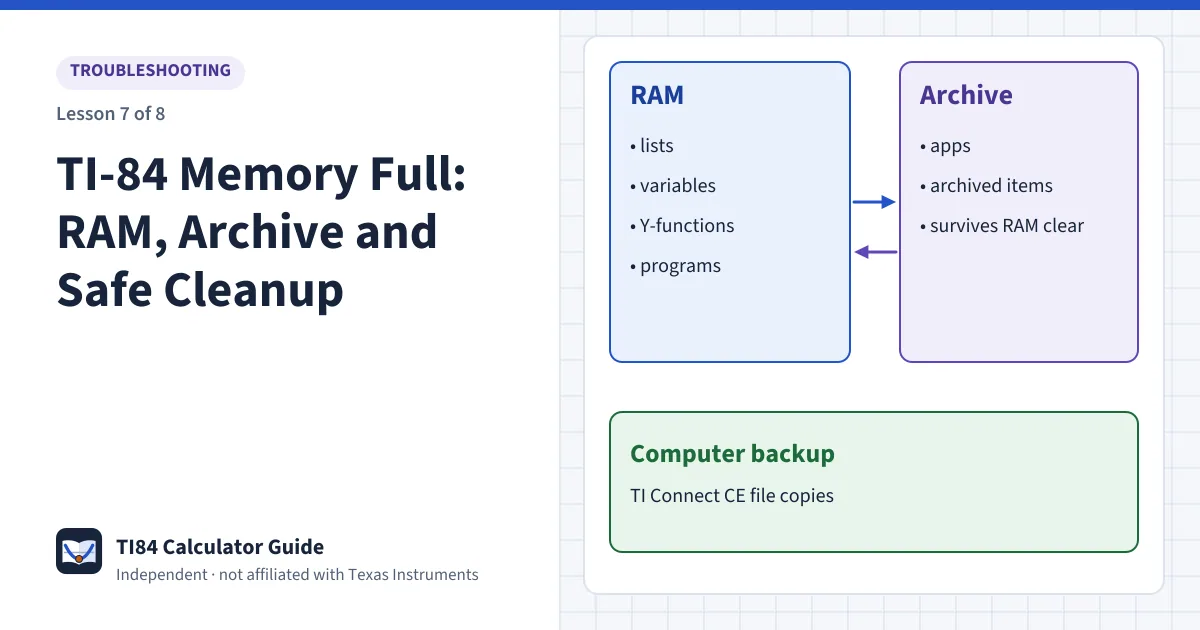
Understand RAM versus archive, see what is using space in Mem Mgmt/Del, back up, then archive or delete selectively — a wipe is the last resort, not the first.
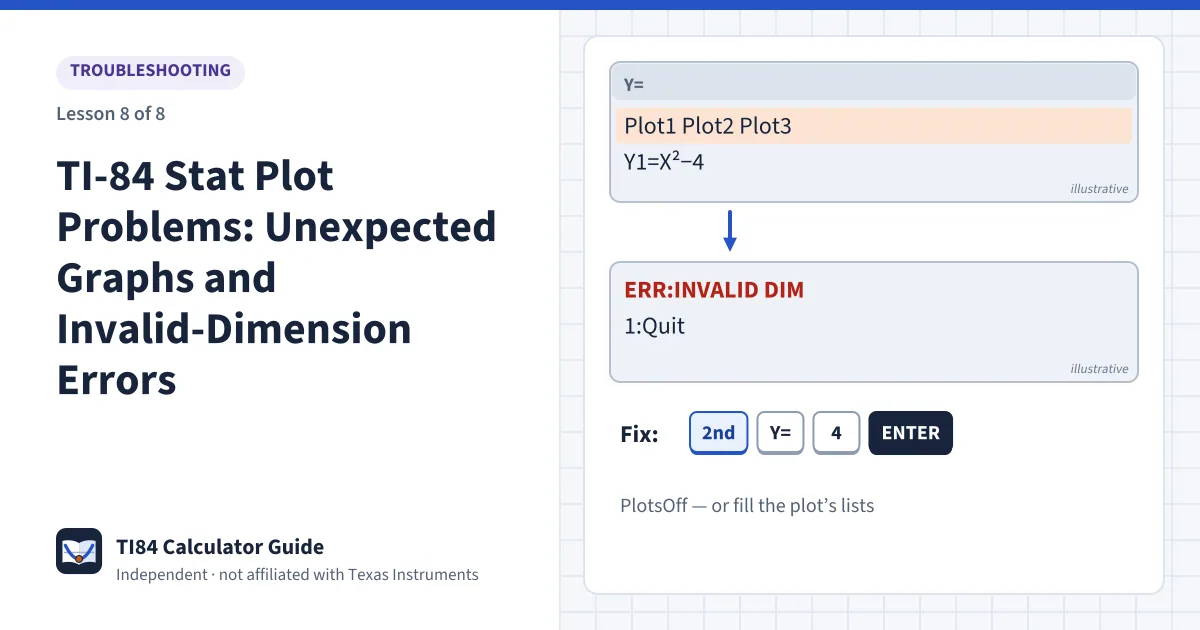
If GRAPH shows INVALID DIM or random points, a Stat Plot is probably still on. Trace the plot settings to their lists, then fix or switch them off.
Power is the biggest difference: the TI-84 Plus uses four AAA batteries plus a backup cell, while the CE has a rechargeable battery and a reset button on the back. Error message names are the same on both.