A quadratic equation ax² + bx + c = 0 can have two real roots, one repeated root or no real roots. The TI-84 offers several ways to find them; which one you choose depends on whether you want a picture, a quick number or a check of your own algebra.
The worked example
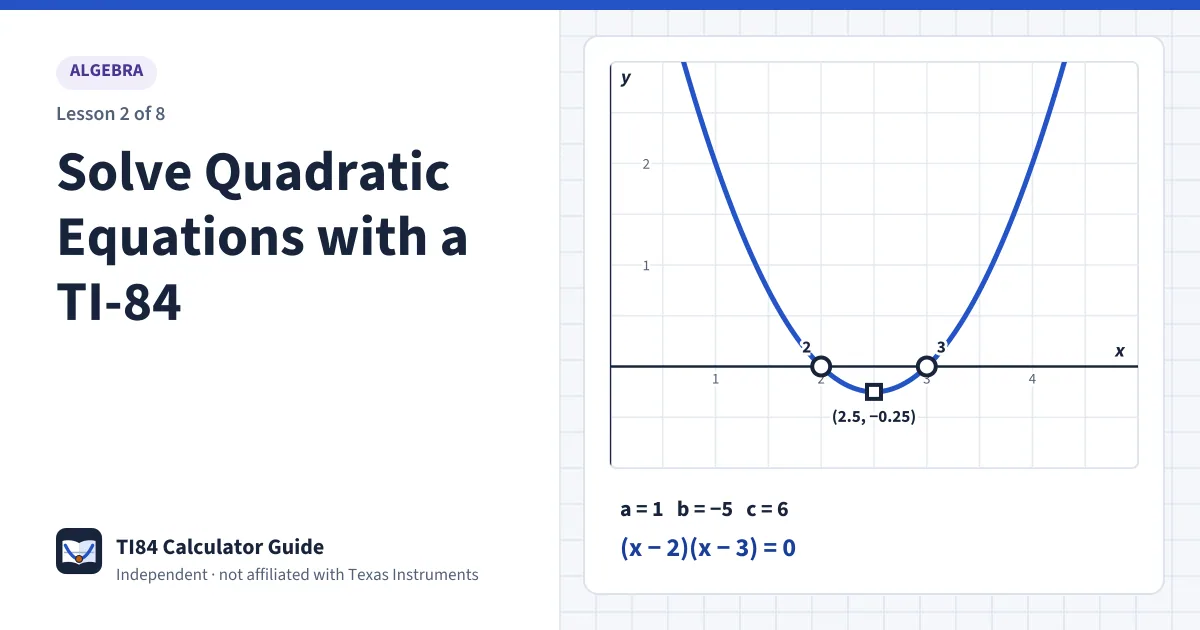
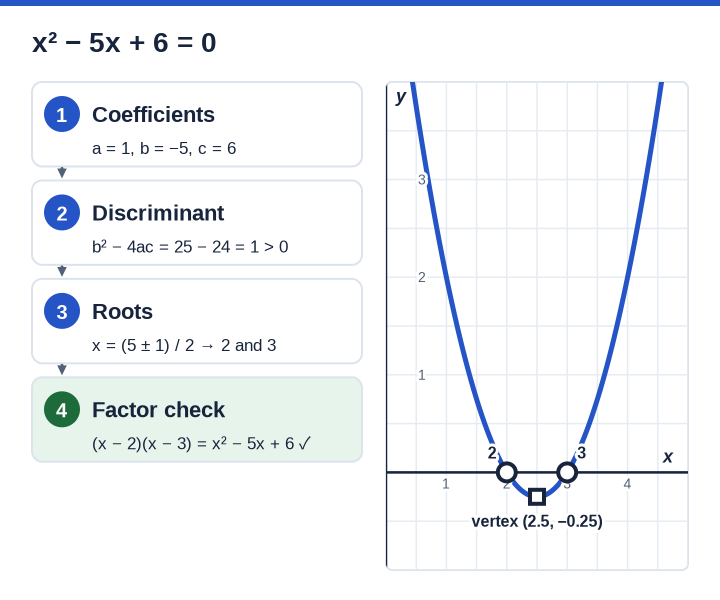
Solve x² − 5x + 6 = 0. Here a = 1, b = −5, c = 6.
- Discriminant: b² − 4ac = 25 − 24 = 1, which is positive, so there are two real roots.
- Quadratic formula: x = (5 ± 1) / 2, so x = 2 and x = 3.
- Factorization check: (x − 2)(x − 3) = x² − 3x − 2x + 6 = x² − 5x + 6. ✓
Method 1: graph and find zeros
- In Y= enter
Y1=X²−5X+6. - Press ZOOM 6. The parabola dips just below the x-axis between 2 and 3. Its vertex is at (2.5, −0.25), so the dip is small — zoom in with ZBox if it is hard to see.
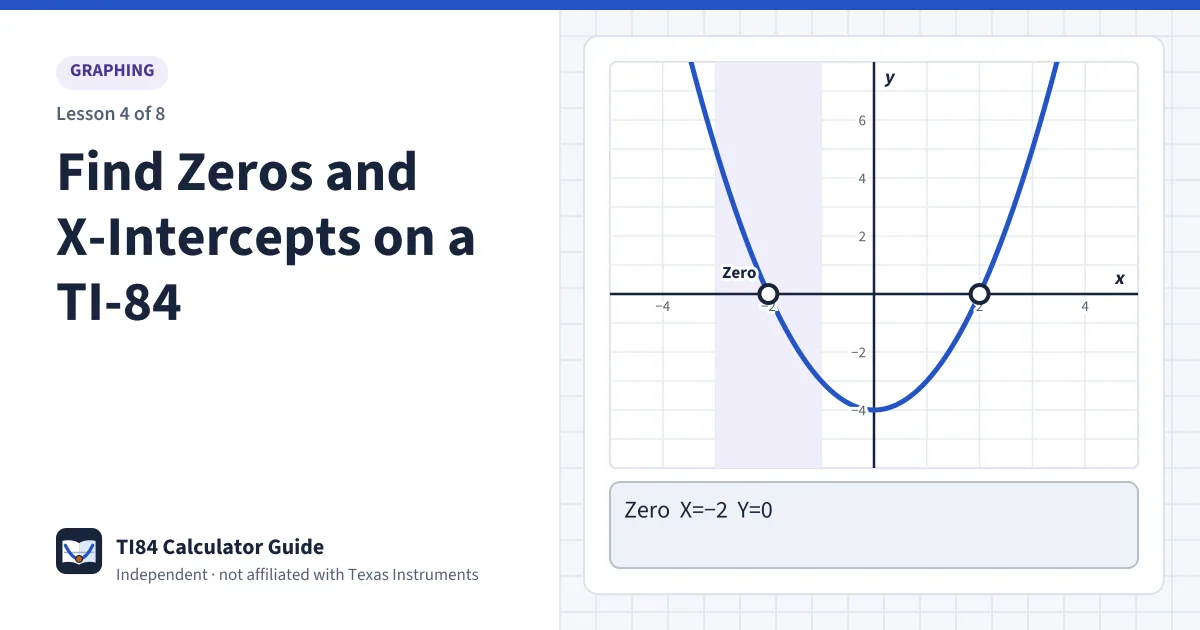
- Press 2nd TRACE 2:zero, bracket the left root (Left Bound 1, Right Bound 2.4) and read X=2.
- Repeat with bounds 2.6 and 4 to get X=3.
The find zeros guide covers bounds and the special case of a repeated root.
Method 2: the numeric Solver
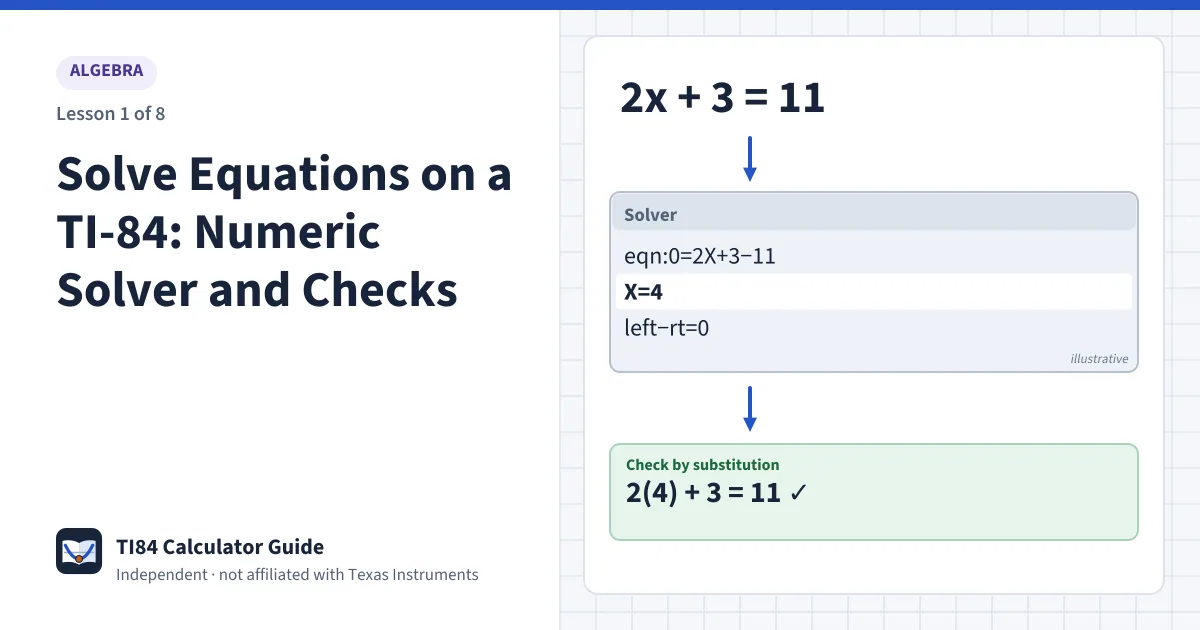
Run the MATH Solver on X²−5X+6 (Plus: eqn:0=X²−5X+6) twice: a guess of 0 returns 2, and a guess of 5 returns 3. Each run gives only the root nearest the guess. See solving equations.
Method 3: the formula on the home screen
Store the coefficients, then type the formula once:
1→A,(−)5→B,6→C(use STO► and ALPHA letters).- Type
(−B+√(B²−4AC))/(2A)and press ENTER → 3. - Press 2nd ENTER to recall it, change
+√to−√, and press ENTER → 2.
For a new equation, store new A, B and C and recall the same line. Brackets around the whole numerator and around 2A are essential.
Method 4: a polynomial app (if installed)
Texas Instruments’ TI-84 Plus CE eGuide lists an app called PlySmlt2 (Polynomial Root Finder and Simultaneous Equation Solver). Calculators differ in which apps are installed: press APPS to see whether yours has it. If it is there, the polynomial root finder asks for the degree and the coefficients and lists all roots, including complex ones. Do not rely on it being available on a test calculator, where apps may be removed or disabled.
When there are no real roots
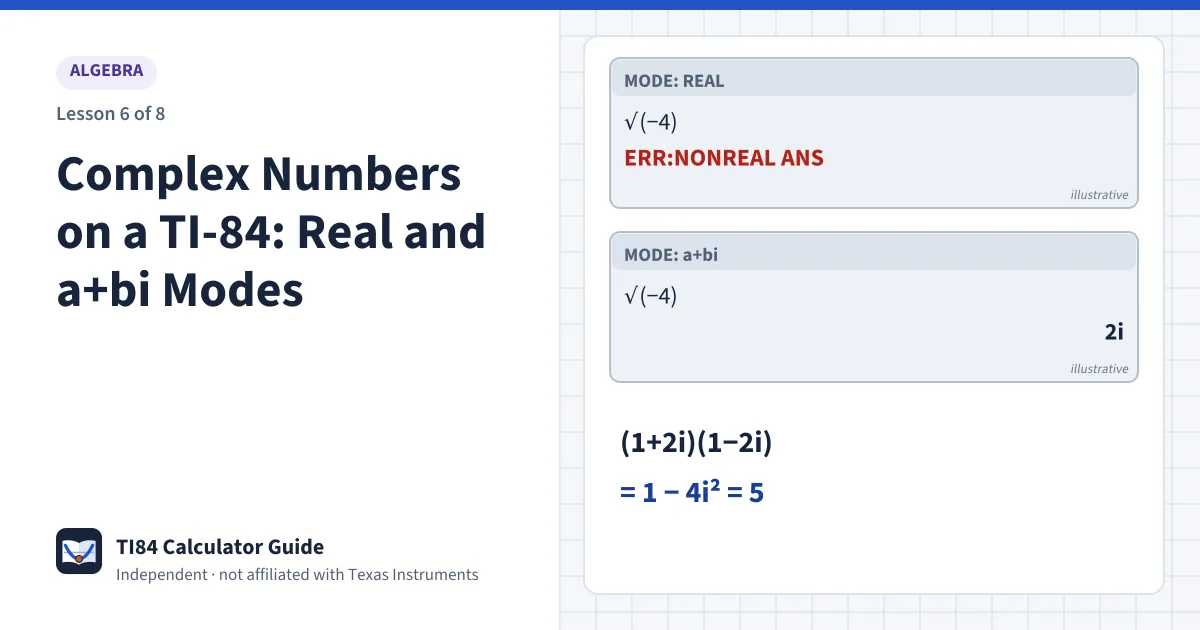
x² + 1 = 0 has discriminant −4, so the parabola never touches the x-axis and CALC zero has nothing to find. In REAL mode the formula method gives ERR:NONREAL ANS because it takes the square root of a negative number. Switch MODE to a+bi and the formula returns i and −i. See complex numbers on a TI-84.
A repeated root
x² − 2x + 1 = 0 has discriminant 0 and one repeated root x = 1. The graph touches the axis at its vertex, so use CALC minimum, or the formula, rather than CALC zero.
Common mistakes
- Missing brackets in the formula —
−B+√(B²−4AC)/2Adivides only the square root by 2, then multiplies by A. - Sign of b — for x² − 5x + 6, b is −5, so −b is +5. Store B as −5 with the (−) key.
- Concluding “no solution” from an empty window — compute the discriminant before trusting a graph.
Practice
Our independent quadratic solver shows the discriminant, both roots (real or complex), the factorization when the roots are integers and a substitution check: (1, −5, 6) gives 2 and 3. It is a practice tool and does not imitate any TI app.
Sources
- TI-84 Plus Graphing Calculator Guidebook (PDF) — Texas Instruments (checked November 23, 2026)
- TI-84 Plus CE eGuide (contents, including apps) — Texas Instruments (checked November 23, 2026)
How this guide was made: written by Paul B. Spicer with AI drafting assistance, following our editorial policy. Key sequences and menu names were checked against the Texas Instruments documents listed above; numeric examples are recomputed by automated tests. Diagrams are original illustrations, not screenshots. TI84 Calculator Guide is independently operated and is not affiliated with, sponsored by or endorsed by Texas Instruments. TI-84 Plus, TI-84 Plus CE and related names are used only to describe the calculators our guides cover. Found a mistake? Send a correction.