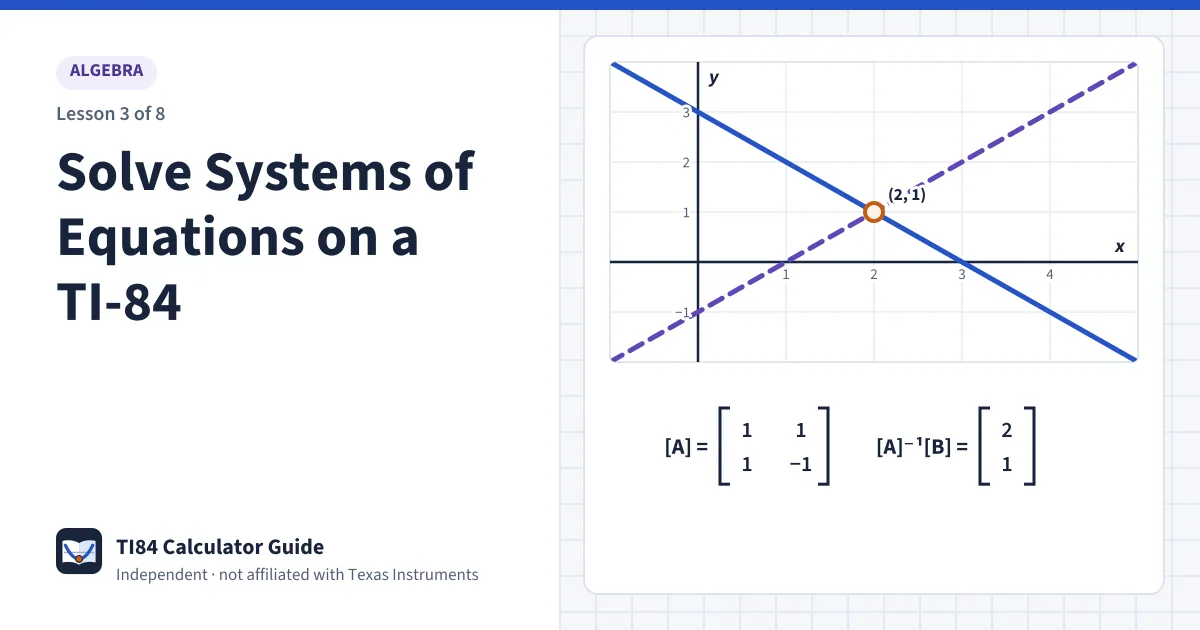
The TI-84 stores up to ten matrices, named [A] to [J]. Each has a size you choose, written rows × columns. Most matrix trouble comes from those sizes, so this lesson keeps them in view at every step.
Open the matrix editor
Press 2nd x⁻¹ (MATRIX). The menu has three tabs:
- NAMES — paste a matrix name into an expression.
- MATH — operations such as det(, ᵀ (transpose), identity( and rref(.
- EDIT — create or change a matrix.
The TI-84 Plus guidebook allows up to 99 rows and 99 columns, limited in practice by memory.
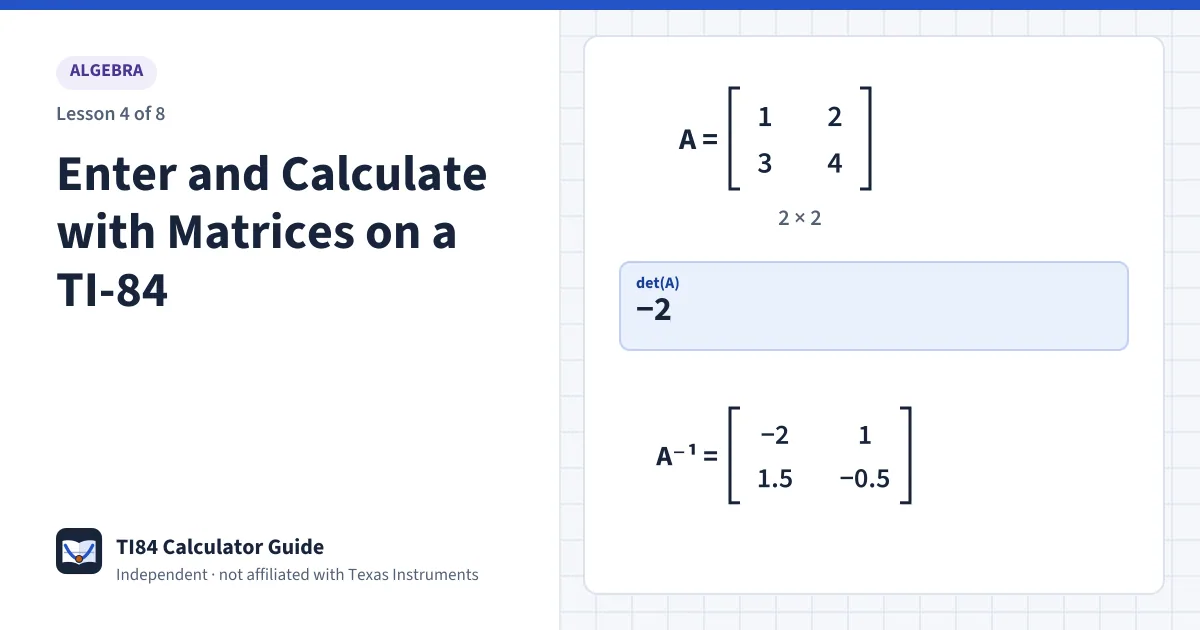
Enter A = [[1, 2], [3, 4]]
- In MATRIX, press ► ► to EDIT and choose 1:[A].
- The top line shows the size. Type 2 ENTER (rows) and 2 ENTER (columns).
- The cursor moves through the cells row by row. Type 1 ENTER 2 ENTER 3 ENTER 4 ENTER.
- Press 2nd MODE (QUIT).
Also create [B] as a 2 × 1 matrix with entries 5 and 6 for the multiplication example.
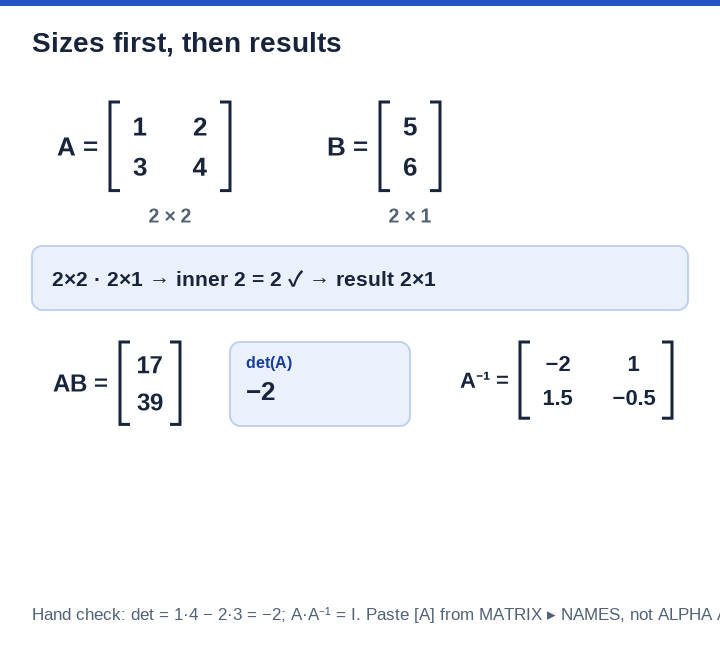
Calculations on the home screen
Paste names from 2nd x⁻¹ ▸ NAMES (typing the letter A with ALPHA does not work — that is the real-number variable A).
| Task | Entry | Result |
|---|---|---|
| Multiply | [A][B] |
[[17], [39]] |
| Determinant | det([A]) (MATRIX ▸ MATH ▸ 1) |
−2 |
| Inverse | [A]⁻¹ (press x⁻¹) |
[[−2, 1], [1.5, −.5]] |
| Transpose | [A]ᵀ (MATRIX ▸ MATH ▸ 2) |
[[1, 3], [2, 4]] |
| Square | [A]² |
[[7, 10], [15, 22]] |
| Check inverse | [A][A]⁻¹ |
[[1, 0], [0, 1]] |
Hand check of the determinant: 1·4 − 2·3 = 4 − 6 = −2. Hand check of the inverse: swap 1 and 4, negate 2 and 3, divide by −2: (1/−2)·[[4, −2], [−3, 1]] = [[−2, 1], [1.5, −0.5]].
Dimension rules
| Operation | Requirement | Example |
|---|---|---|
| A + B, A − B | Same size | 2×2 + 2×2 ✓ |
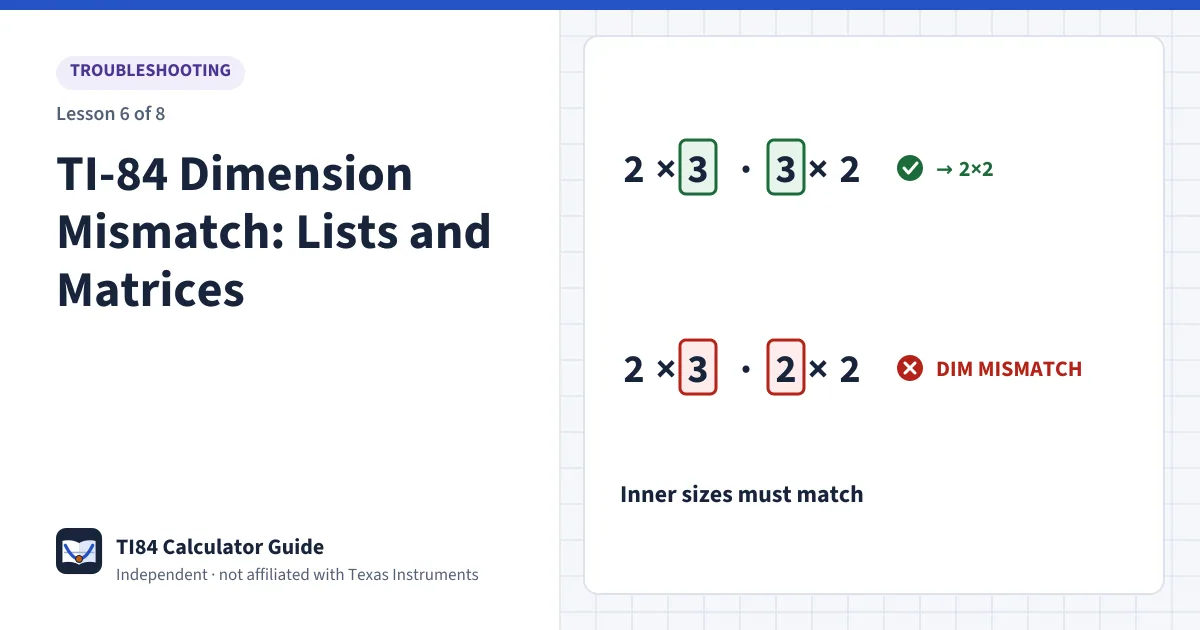
| A·B | Columns of A = rows of B | 2×2 · 2×1 ✓ → 2×1 |
| det(A), A⁻¹ | Square | 2×2 ✓, 2×3 ✗ |
| A⁻¹ | det(A) ≠ 0 | [[1,2],[2,4]] ✗ (singular) |
When a rule is broken the TI-84 shows ERR:DIM MISMATCH or ERR:INVALID DIM; a matrix with determinant 0 gives ERR:SINGULAR MAT for the inverse. The dimension errors guide walks through fixes. Order matters for multiplication: [B][A] is 2×1 · 2×2, which is undefined.
Editing and deleting
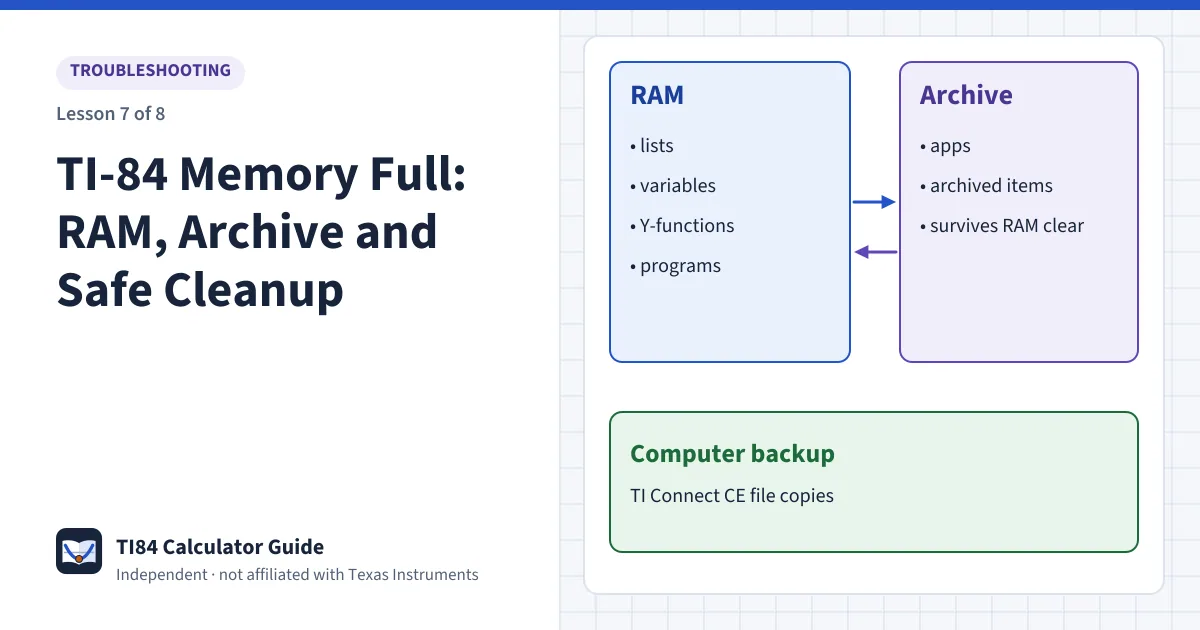
To change one entry, open the matrix in EDIT and move to the cell. Changing the size keeps existing entries where they still fit and fills new cells with 0, so re-check every value after resizing. To delete a matrix you no longer need, use 2nd + (MEM) ▸ Mem Mgmt/Del ▸ Matrix. See memory management.
CE shortcut
On the CE, ALPHA ZOOM opens the F3 MTRX shortcut menu, which includes a matrix template for typing small matrices directly into an expression.
Common mistakes
- Typing A instead of [A] — gives a real-number result or an error.
- Rows and columns swapped — size is always rows first.
- Reading −2E−13 as a real value — tiny entries in an inverse are rounding noise.
Practice
Our independent matrix calculator uses the same example by default: det = −2 and inverse [[−2, 1], [1.5, −0.5]]. It refuses empty cells instead of treating them as zero and explains dimension and singular-matrix errors. It is limited to 4 × 4 and is not a TI-84 emulator.
Sources
- TI-84 Plus Graphing Calculator Guidebook (PDF) — Texas Instruments (checked November 23, 2026)
- Getting Started with the TI-84 Plus CE Graphing Calculator (PDF) — Texas Instruments (checked November 23, 2026)
How this guide was made: written by Paul B. Spicer with AI drafting assistance, following our editorial policy. Key sequences and menu names were checked against the Texas Instruments documents listed above; numeric examples are recomputed by automated tests. Diagrams are original illustrations, not screenshots. TI84 Calculator Guide is independently operated and is not affiliated with, sponsored by or endorsed by Texas Instruments. TI-84 Plus, TI-84 Plus CE and related names are used only to describe the calculators our guides cover. Found a mistake? Send a correction.