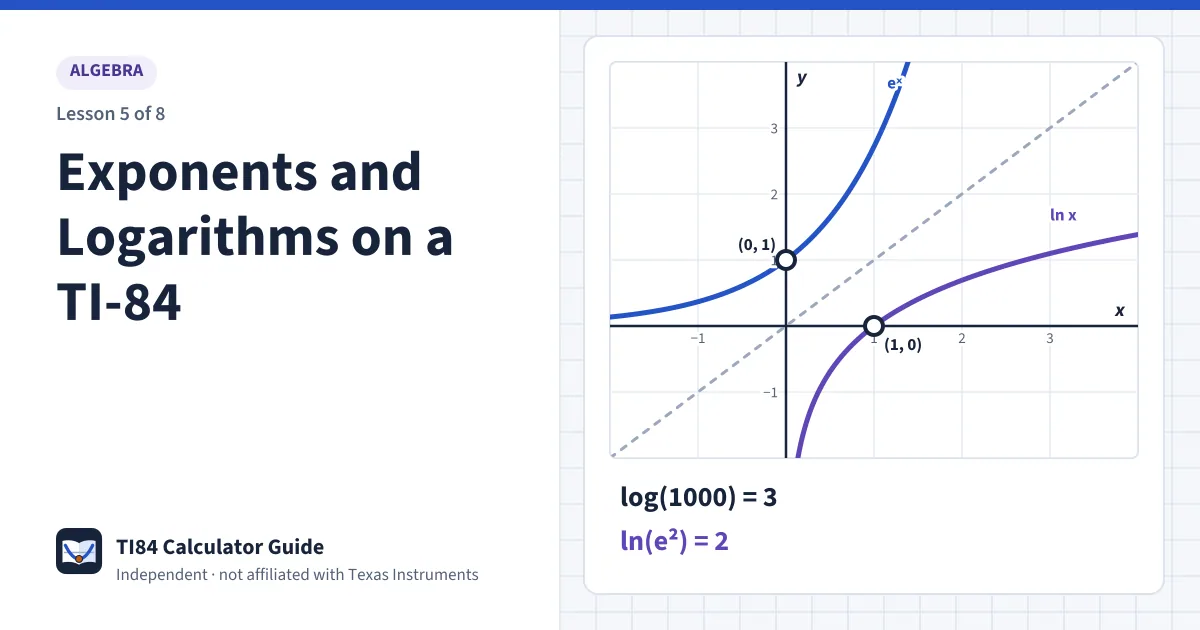
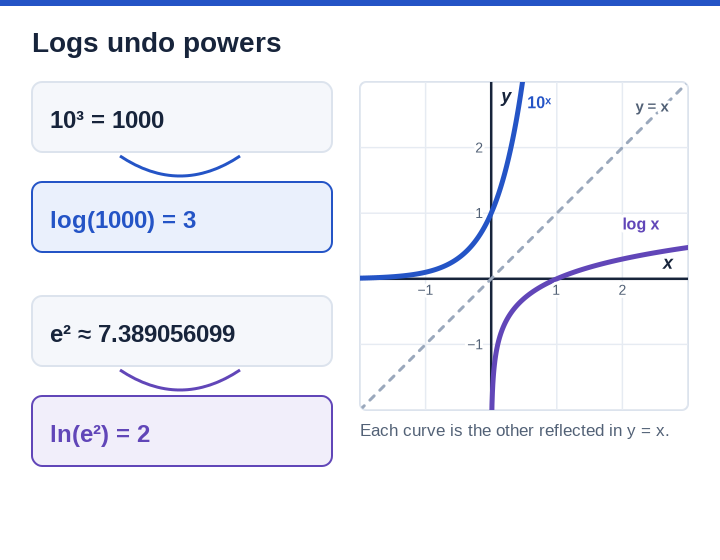
Exponents and logarithms undo each other: if 10³ = 1000, then log(1000) = 3. The TI-84 has keys for both directions in base 10 and base e, and a menu item for any other base.
The keys
| You want | Keys | Shows | Example | Result |
|---|---|---|---|---|
| Any power | ^ | ^ |
2^10 |
1024 |
| Square | x² | ² |
12² |
144 |
| Base-10 log | LOG | log( |
log(1000) |
3 |
| 10 to a power | 2nd LOG | 10^( |
10^(3) |
1000 |
| Natural log | LN | ln( |
ln(e²) |
2 |
| e to a power | 2nd LN | e^( |
e^(2) |
7.389056099 |
| The constant e | 2nd ÷ | e |
e |
2.718281828 |
| Other base | MATH A:logBASE( | logBASE( |
logBASE(8,2) |
3 |
Worked examples
- log(1000) = 3. Press LOG 1 0 0 0 ) ENTER. Because 10³ = 1000.
- ln(e²) = 2. Press LN 2nd LN 2 ) ) ENTER. This types
ln(e^(2)). You can also typeln(e²)using the constant e and x². - log base 2 of 8 = 3. Use MATH ▸ A:logBASE( and type
logBASE(8,2)(value first, then base). On the CE, MathPrint shows a template with a subscript base. Without logBASE, use the change-of-base rule:log(8)/log(2)= 3.
Solving exponential equations
To solve 2ˣ = 50, take logs: x = log(50)/log(2) ≈ 5.64385619. Check with 2^5.64385619 ≈ 50. For continuous growth, A = P·e^(rt): with P = 1000, r = 0.05, t = 10, 1000e^(.05×10) ≈ 1648.721271. Brackets around the exponent matter: e^.05×10 means (e^.05)×10.
The positive-input rule
A logarithm asks “what power gives this number?” No real power of 10 gives 0 or a negative number, so:
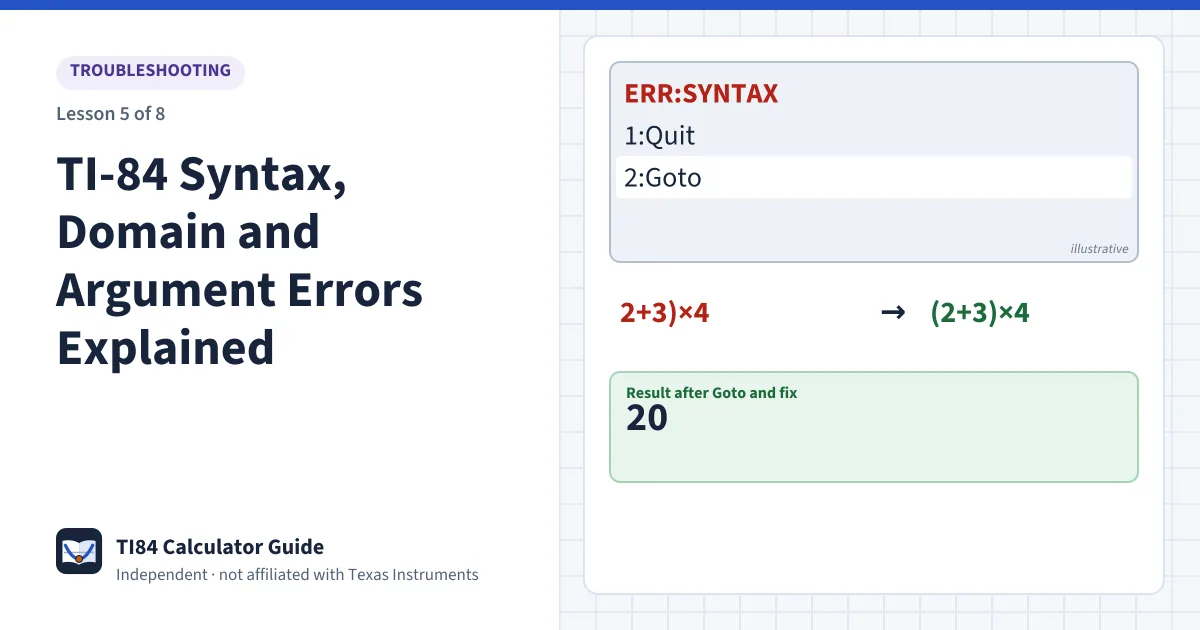
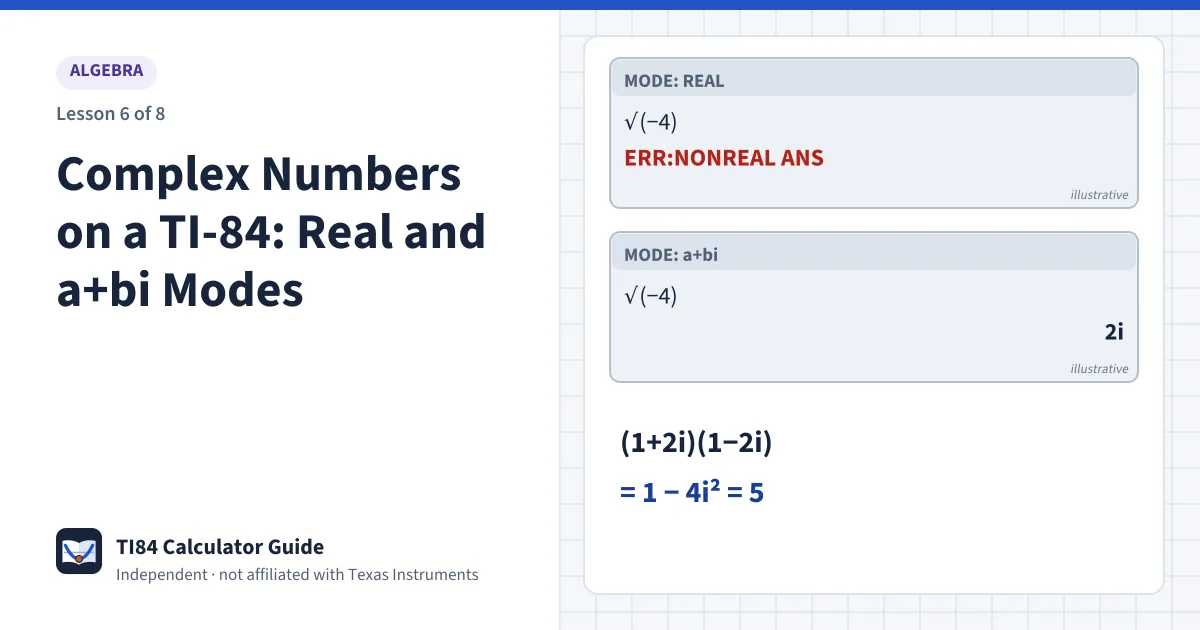
log(0)→ ERR:DOMAIN (the input is outside the function’s domain).log(−1)in REAL mode → ERR:NONREAL ANS (the answer exists only as a complex number). In a+bi mode, the TI-84 returns a complex value instead.
See syntax, domain and argument errors for more examples.
Exponent order of operations
2^3^2— typed on one line in Classic entry, the TI-84 evaluates powers from left to right, giving (2³)² = 64. Textbooks usually mean 2^(3²) = 512, and our independent scientific calculator follows that textbook convention, so the two disagree. Brackets remove the ambiguity: type(2^3)^2or2^(3^2).−2^4is −16, while(−2)^4is 16 (see negative numbers).
Common mistakes
- LOG for natural log. LOG is base 10; use LN for base e.
- Missing closing bracket.
log(100)+1is 3;log(100+1)is 2.004321374. - logBASE argument order. It is logBASE(value, base).
Practice
Our independent scientific calculator has log (base 10) and ln, and returns log(1000) = 3 and ln(e^2) = 2. It reports a domain error for log(0) rather than a fake value. It does not reproduce the TI-84 MATH menu.
Sources
- TI-84 Plus Graphing Calculator Guidebook (PDF) — Texas Instruments (checked November 23, 2026)
How this guide was made: written by Paul B. Spicer with AI drafting assistance, following our editorial policy. Key sequences and menu names were checked against the Texas Instruments documents listed above; numeric examples are recomputed by automated tests. Diagrams are original illustrations, not screenshots. TI84 Calculator Guide is independently operated and is not affiliated with, sponsored by or endorsed by Texas Instruments. TI-84 Plus, TI-84 Plus CE and related names are used only to describe the calculators our guides cover. Found a mistake? Send a correction.