A system of two linear equations in two unknowns has either exactly one solution, no solution or infinitely many. The TI-84 can find the solution two ways, and each way also tells you when something is unusual.
The worked example
Solve
- x + y = 3
- x − y = 1
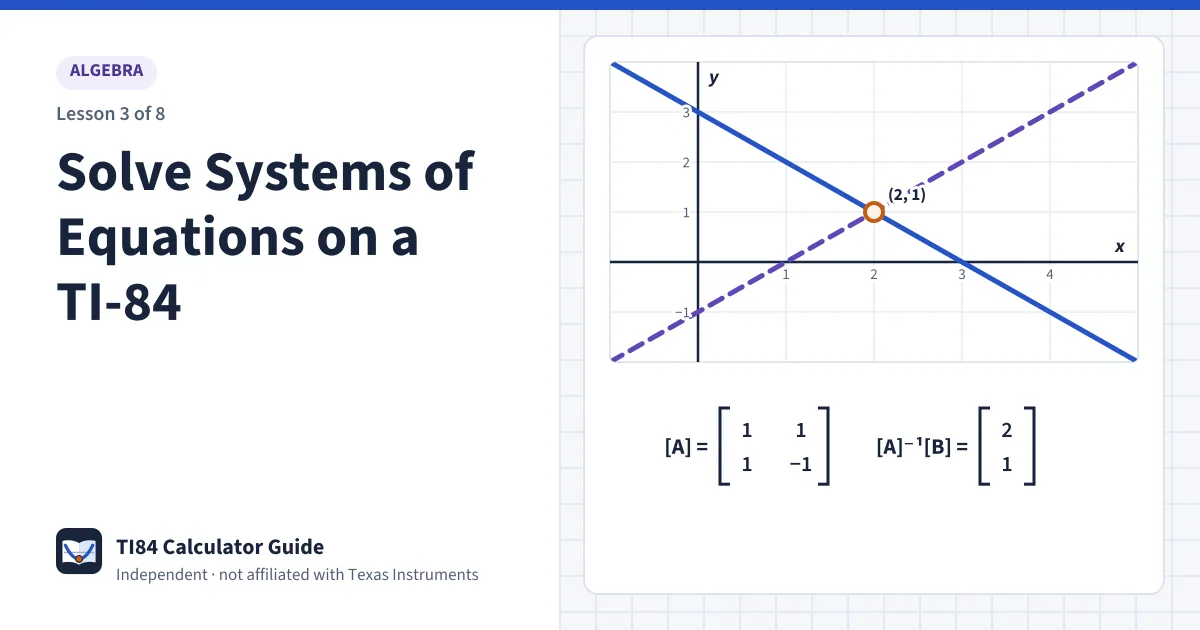
Adding the equations gives 2x = 4, so x = 2, and then y = 1. The solution is (2, 1).
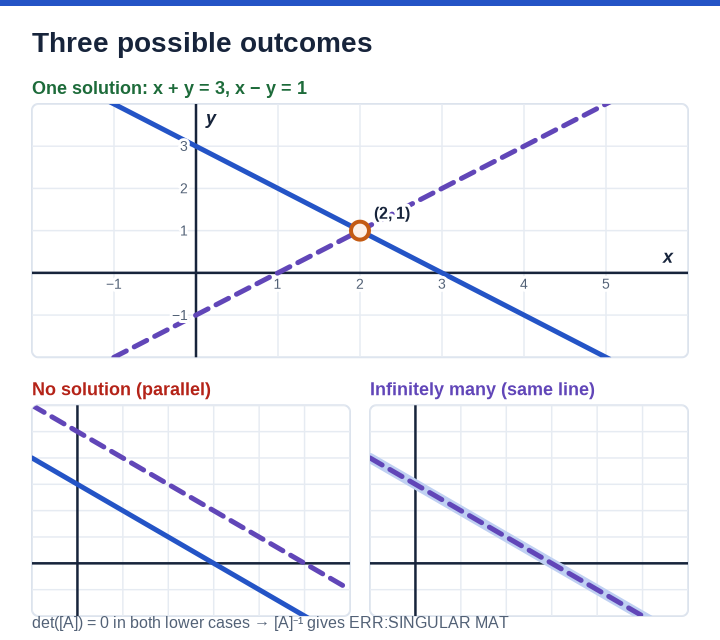
Method 1: graph and intersect
- Solve each equation for y: y = 3 − x and y = x − 1.
- In Y= enter
Y1=3−XandY2=X−1. - Press ZOOM 6.
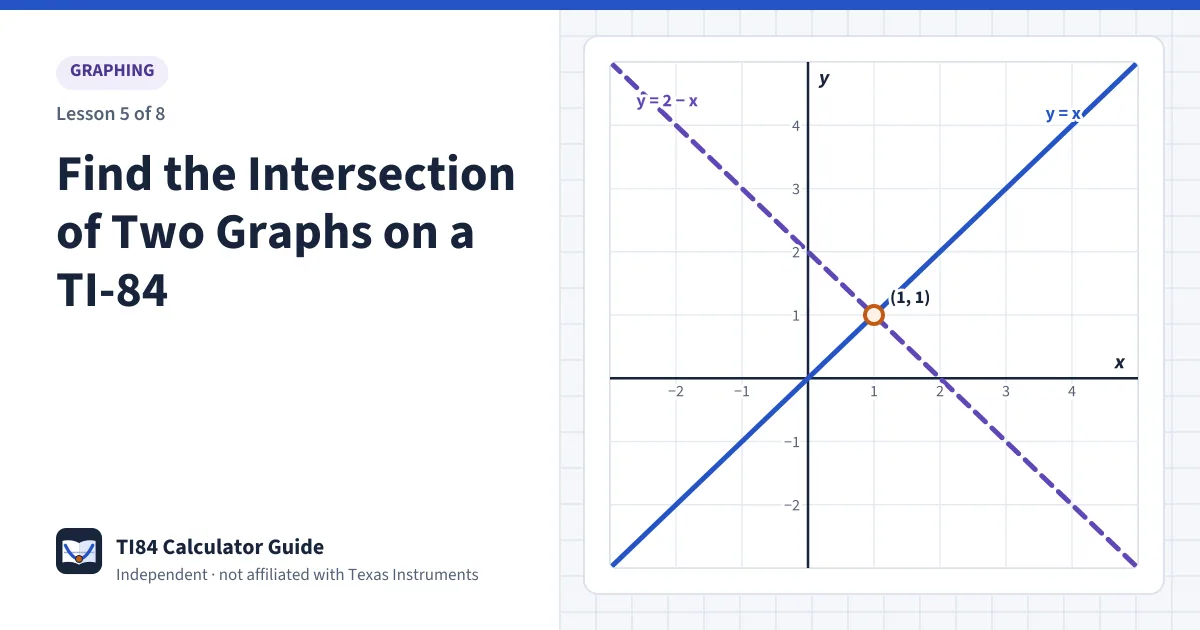
- Press 2nd TRACE (CALC) 5:intersect, press ENTER for the first and second curve, move near the crossing and press ENTER.
- Result: X=2, Y=1.
This method needs each equation in y = form and only works for two variables, but it shows the geometry. The intersections guide has more detail.
Method 2: matrix inverse
Write the system as A·v = B, where A holds the coefficients and B the constants:
A = [[1, 1], [1, −1]], v = [[x], [y]], B = [[3], [1]].
- Press 2nd x⁻¹ (MATRIX), move to EDIT, choose 1:[A].
- Set the size to 2 × 2 (type 2 ENTER 2 ENTER) and enter 1, 1, 1, −1, pressing ENTER after each.
- Go back to MATRIX ▸ EDIT, choose 2:[B], set 2 × 1 and enter 3 and 1.
- Press 2nd MODE (QUIT).
- On the home screen paste [A] (MATRIX ▸ NAMES ▸ 1), press x⁻¹, paste [B], and press ENTER.
- Result: a 2 × 1 matrix [[2],[1]] — x = 2, y = 1.
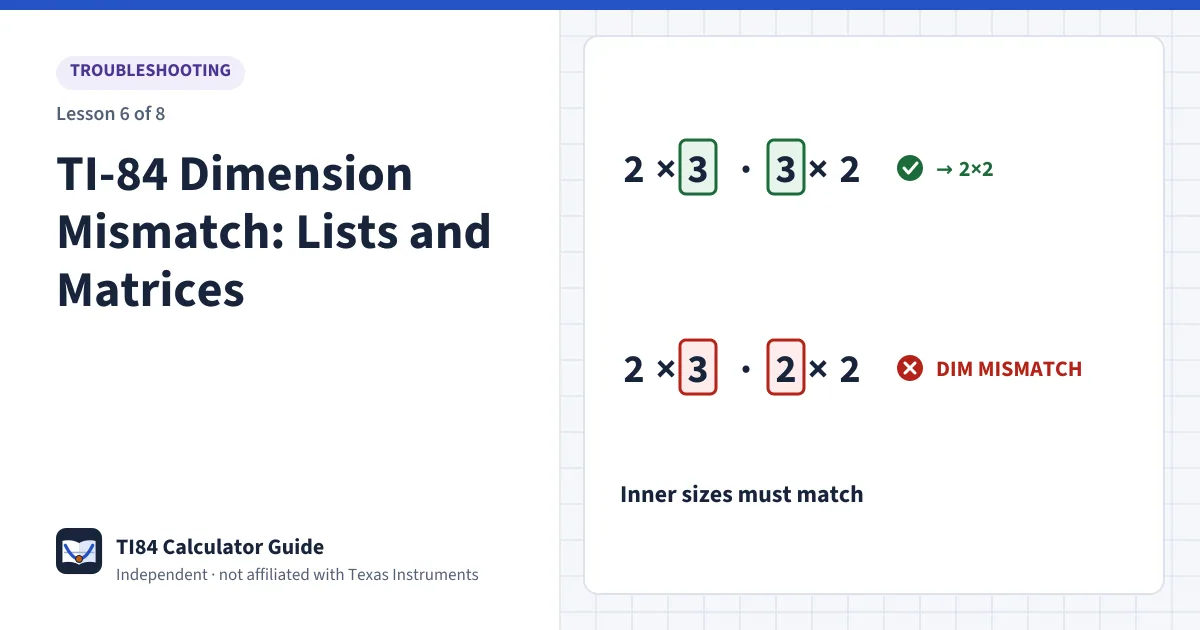
The order matters: it must be [A]⁻¹[B], not [B][A]⁻¹, which would give a dimension error. See dimension mismatch errors.
Method 3: rref of the augmented matrix
Put the whole system in one 2 × 3 matrix, [[1, 1, 3], [1, −1, 1]], and apply rref( from the MATRIX ▸ MATH menu. The result is [[1, 0, 2], [0, 1, 1]], which reads x = 2 and y = 1. rref also handles systems where [A] has no inverse, which makes it the better choice when you are not sure the solution is unique.
When there is no unique solution
- No solution: x + y = 3 and x + y = 5 are parallel lines. [A] = [[1,1],[1,1]] has determinant 0, so [A]⁻¹ gives ERR:SINGULAR MAT. rref of [[1,1,3],[1,1,5]] gives a row [0, 0, 1], which says 0 = 1 — impossible.
- Infinitely many: x + y = 3 and 2x + 2y = 6 describe the same line. [A] is singular again; rref gives [[1, 1, 3], [0, 0, 0]], meaning every point with x + y = 3 works.
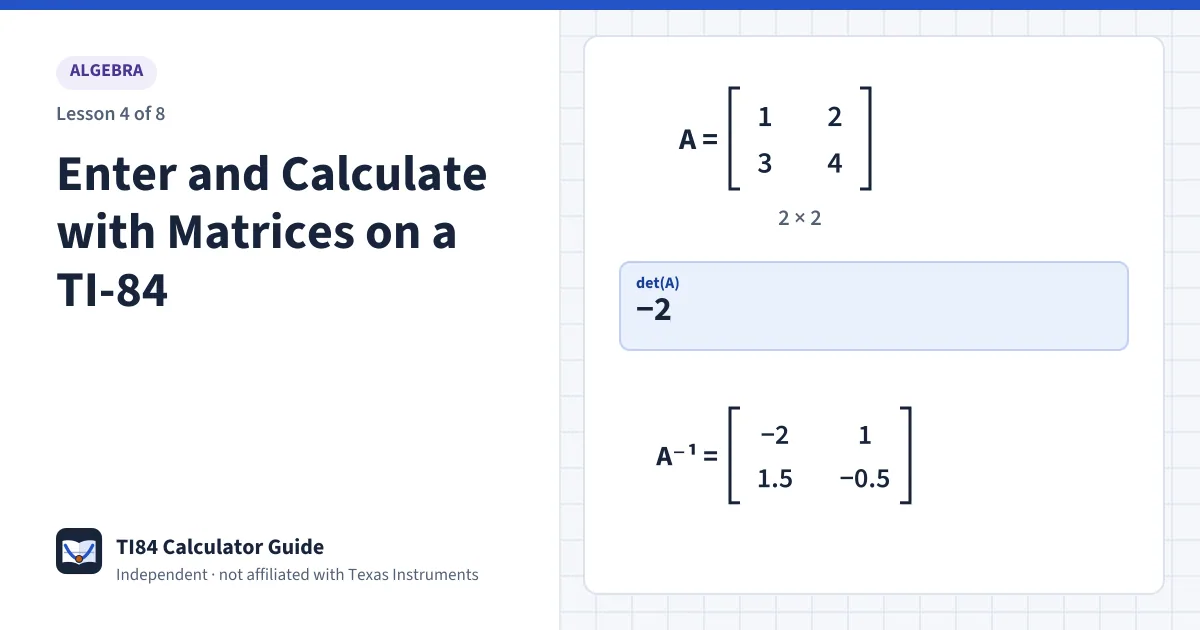
A singular-matrix error is therefore information, not a malfunction. Check the determinant: det([A]) of 0 means no unique solution.
Larger systems
The matrix method scales to three or more unknowns, where graphing does not. Our independent matrix calculator handles up to 4 × 4 matrices, multiplies, transposes and inverts, and reports singular matrices rather than inventing a result. It is not a TI-84 emulator and does not include rref.
Common mistakes
- Wrong sign entry — use (−) for −1 in a matrix cell.
- Constants on the wrong side — rewrite each equation as ax + by = c before reading the coefficients.
- Reading a rounded inverse — small values like 1E−13 in a result are rounding noise, effectively 0.
Sources
- TI-84 Plus Graphing Calculator Guidebook (PDF) — Texas Instruments (checked November 23, 2026)
How this guide was made: written by Paul B. Spicer with AI drafting assistance, following our editorial policy. Key sequences and menu names were checked against the Texas Instruments documents listed above; numeric examples are recomputed by automated tests. Diagrams are original illustrations, not screenshots. TI84 Calculator Guide is independently operated and is not affiliated with, sponsored by or endorsed by Texas Instruments. TI-84 Plus, TI-84 Plus CE and related names are used only to describe the calculators our guides cover. Found a mistake? Send a correction.