TI-84 error messages are short but precise. Each one names the type of problem, and most offer a Goto option that puts the cursor where the calculator gave up. This lesson decodes the four you will see most often.
The error screen
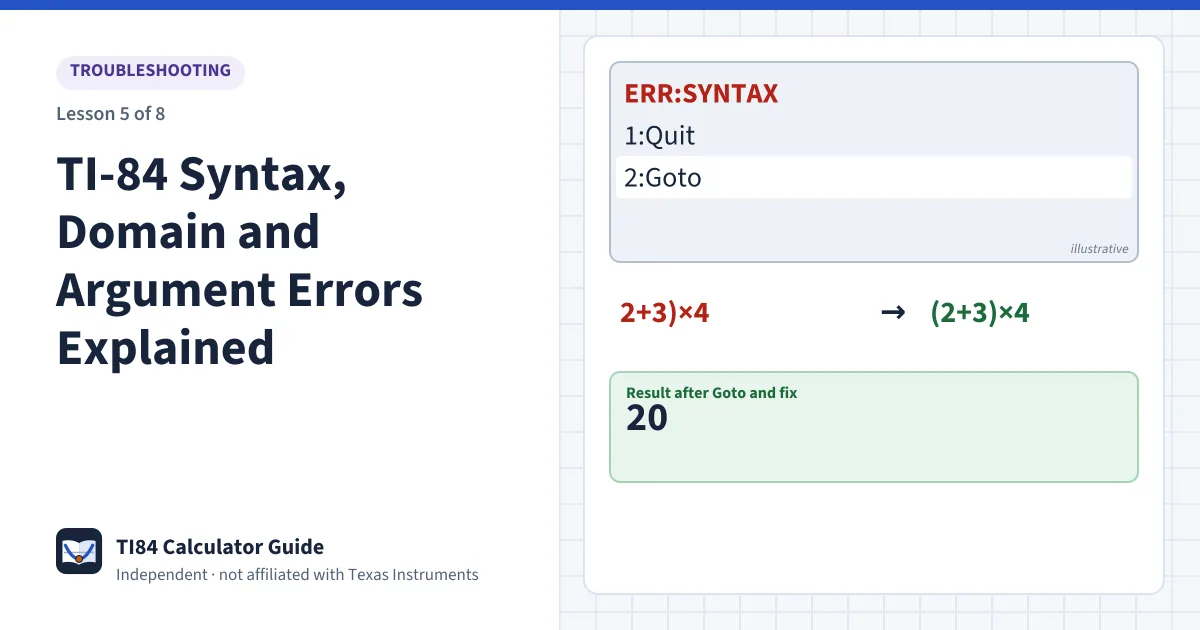
When an error occurs, the screen shows ERR: followed by a name and a menu, usually:
- 1:Quit — back to the home screen; your entry is not saved.
- 2:Goto — back to the entry with the cursor at (or near) the problem.
Choose Goto whenever it is offered. Fixing one character is faster than retyping.
Input → error → correction → result
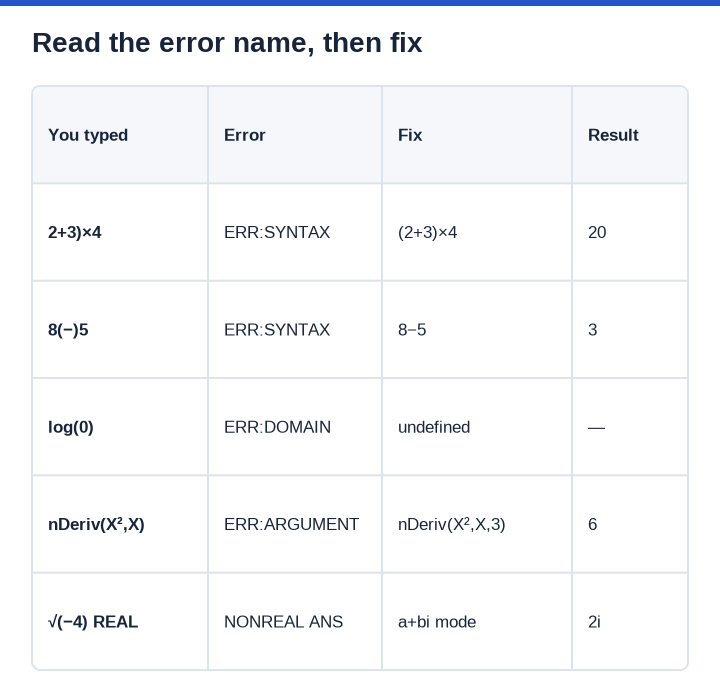
| You typed | Error | Why | Fix | Result |
|---|---|---|---|---|
2+3)×4 |
ERR:SYNTAX | A closing bracket has no opening bracket | (2+3)×4 |
20 |
8(−)5 |
ERR:SYNTAX | The negative key used for subtraction | 8−5 |
3 |
log(0) |
ERR:DOMAIN | log is only defined for positive inputs | Check the problem; log 0 is undefined | — |
nDeriv(X²,X) |
ERR:ARGUMENT | nDeriv needs a value as well | nDeriv(X²,X,3) |
6 |
√(−4) (REAL mode) |
ERR:NONREAL ANS | The answer is not a real number | Switch to a+bi, or recheck the problem | 2i |
ERR:SYNTAX
The TI-84 Plus guidebook describes SYNTAX as a command containing a syntax error: misplaced functions, arguments, brackets or commas. Usual causes:
- An extra or misplaced bracket.
- The (−) key used where subtraction − was needed (see negative numbers).
- Two operators in a row, such as
5×÷2. - A comma used as a decimal point.
ERR:DOMAIN
DOMAIN means an argument is outside the valid range for that function. Examples:
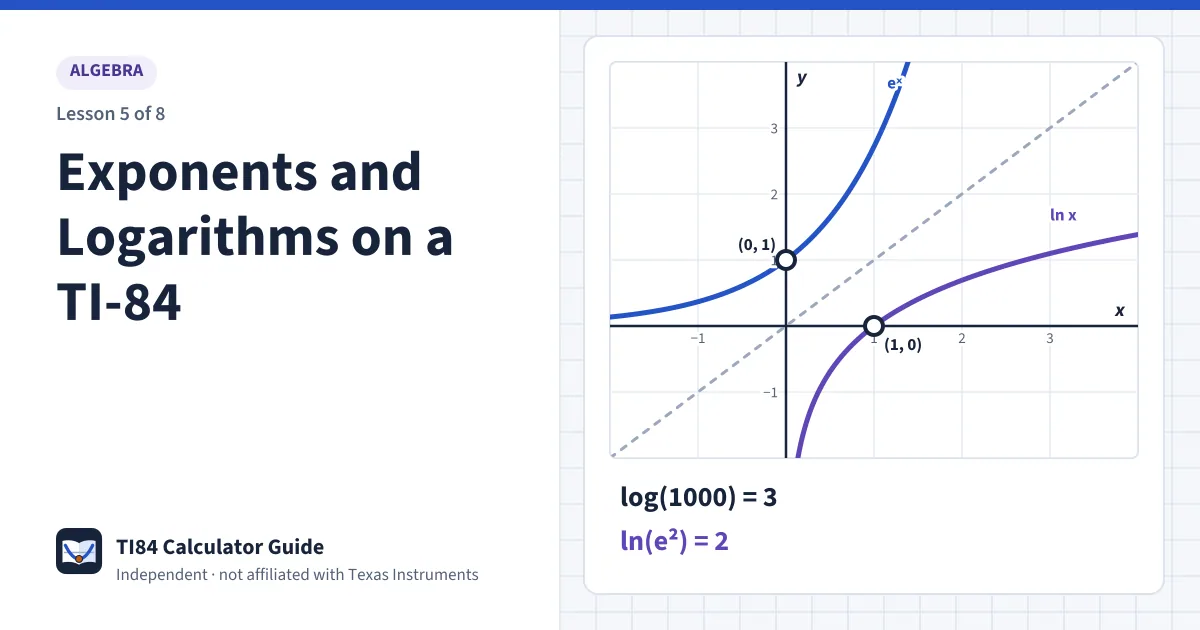
log(0)andln(0): logarithms need inputs greater than 0.- A window or table setting outside its allowed range.
A domain error usually means the mathematics has no answer, not that you typed it badly. Re-read the problem.
ERR:ARGUMENT
ARGUMENT means a function or command has the wrong number of arguments. nDeriv( needs expression, variable and value; normalcdf( needs at least a lower and an upper value; round( takes a value and optionally a number of decimals. Check the syntax in the guidebook or, on the CE, use the catalog help or wizard, which shows each argument.
ERR:NONREAL ANS
In REAL mode, a result that is a complex number stops with NONREAL ANS. √(−4), log(−1) and (−8)^(1/2) all do this. If complex answers are expected, select a+bi in MODE (complex numbers). If they are not, the error is telling you something useful — for example, that a quadratic has no real roots.
Other errors you may meet
- ERR:DIVIDE BY 0 — division by zero, such as
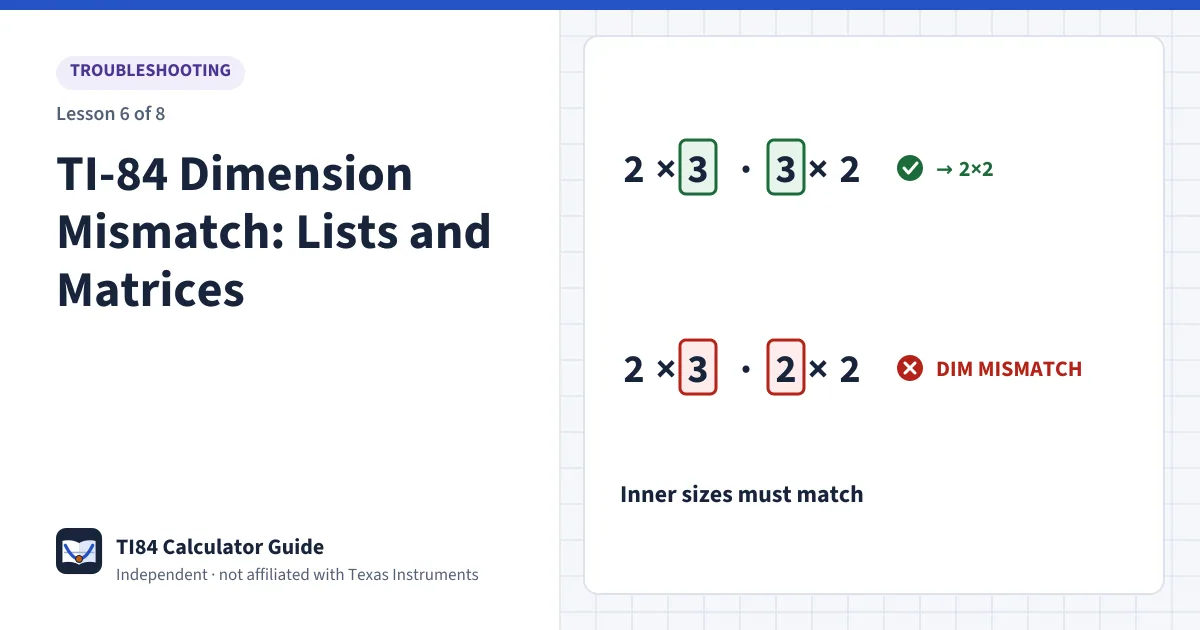
5/(3−3). - ERR:DIM MISMATCH / INVALID DIM — list and matrix sizes; see dimension errors.
- ERR:WINDOW RANGE — Xmin ≥ Xmax or Ymin ≥ Ymax; see window and zoom.
- ERR:MEMORY — not enough free memory; see memory full.
- ERR:NO SIGN CHNG — CALC zero or the solver found no sign change between bounds.
Common mistakes
- Quitting instead of Goto — you lose the entry.
- Switching to a+bi to hide a mistake — if a real answer is expected, find the error instead.
- Ignoring the error name — it narrows the search immediately.
Practice
Our independent scientific calculator also refuses log(0), square roots of negatives and mismatched brackets with a plain-language message, which is a useful way to rehearse what each mistake looks like. Its messages are its own and are not TI-84 error screens.
Sources
- TI-84 Plus Graphing Calculator Guidebook (PDF), error conditions appendix — Texas Instruments (checked November 23, 2026)
How this guide was made: written by Paul B. Spicer with AI drafting assistance, following our editorial policy. Key sequences and menu names were checked against the Texas Instruments documents listed above; numeric examples are recomputed by automated tests. Diagrams are original illustrations, not screenshots. TI84 Calculator Guide is independently operated and is not affiliated with, sponsored by or endorsed by Texas Instruments. TI-84 Plus, TI-84 Plus CE and related names are used only to describe the calculators our guides cover. Found a mistake? Send a correction.